A system automatically monitors your stock and proactively reorders missing materials. For a 10-person trades business, this typically saves EUR 1,500 to 3,200 per month - mainly through less searching, fewer ordering errors, no job-site downtime, and fewer emergency trips to the hardware store or wholesaler. No ERP required, go live in a few days.
6.25 hours per week. That is how much time a master tradesperson spends just on ordering materials (Spruegel Lagerorganisation). Nearly a full workday, every week, for a task a system can do in minutes.
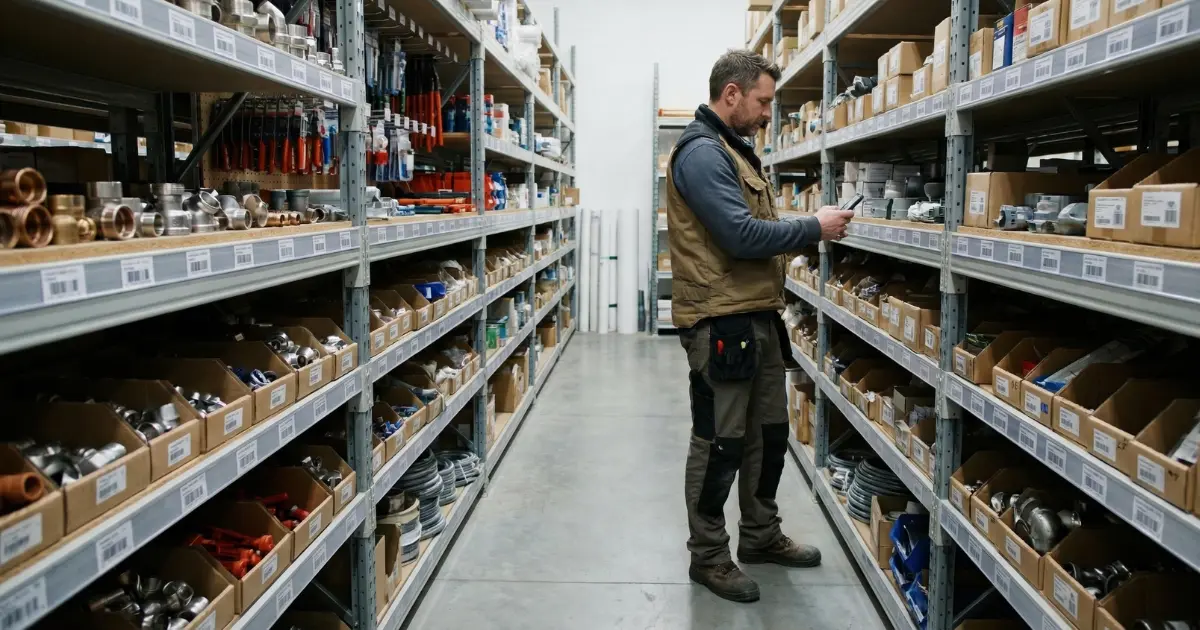
At the same time, crews stand on the job site waiting for parts that "should still be there." Missing materials cost tradespeople thousands per year. Better organization does not help when the process itself is the problem.
This is not about quotes or invoicing. It is about reordering consumables via a reorder point (Meldebestand): what it costs, what you need, and which mistakes to avoid.
What is automatic ordering?
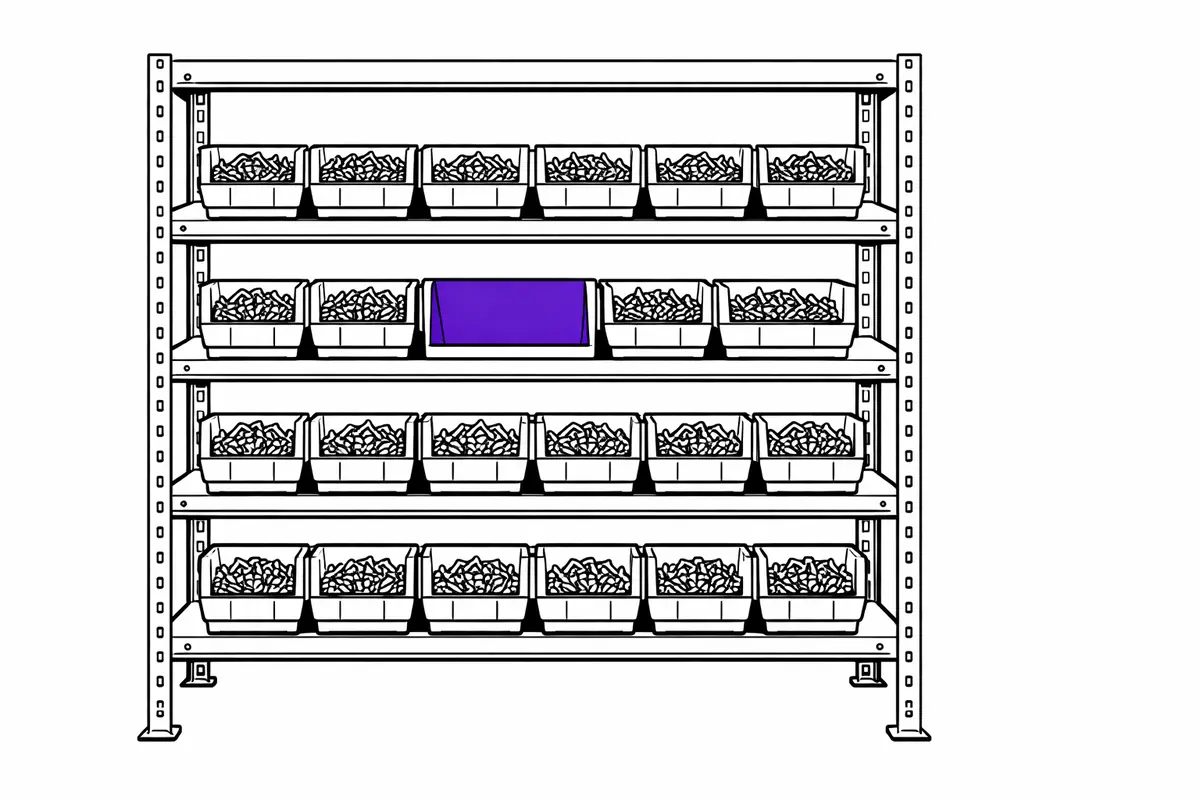
You define a minimum quantity per item, the reorder point (Meldebestand). Once stock drops below that, the system reorders or proposes an order.
You no longer react to empty shelves. Material arrives before it is missing.
Why it pays off
67 percent of trades businesses already use digital technologies (Bitkom/ZDH, 2025). But procurement in most companies is still analog: phone, email, fax, paper. Only one out of four companies uses a digital platform to collaborate with suppliers (BME Purchasing Barometer SME, 2025). Ordering has the biggest media break.
What that costs: A master tradesperson spends 6.25 hours per week on ordering activities (Spruegel Lagerorganisation). At an internal rate of EUR 50 per hour that is EUR 1,250 per month. Just for ordering. Add ordering errors: 29 percent of errors come from wrong product selection, another 28 percent from incorrect product information or bookings (beschaffung-aktuell, 2024).
The biggest cost is invisible: downtime. Two technicians wait two hours for materials. Cost: EUR 240 to 320 per incident. At two to three times per month, that is EUR 480 to 960. In the main construction industry, material costs average 23 percent of gross production value, often more depending on the trade (Bauindustrie.de).
Take the free readiness check to see how quickly automatic ordering can start in your business.
How it works
Two values per item are enough:
1. Minimum stock level (safety stock): The quantity you never want to fall below. Your buffer for delivery delays or unexpected extra usage.
2. Reorder point (Meldebestand): The quantity at which the system reorders. It sits above the minimum so the new delivery arrives before you touch safety stock.
The formula:
Reorder point (Meldebestand) = daily usage x lead time in days + minimum stock
Example: You use 8 units per day, lead time is 5 days, your minimum stock is 20 units. Reorder point = 8 x 5 + 20 = 60 units. Once stock hits 60, the system triggers the reorder.
In practice, software calculates the reorder point from your usage data. You do not have to keep the formula in your head. For a comparison of methods: Reorder point vs. min-max method.
The automatic ordering cycle
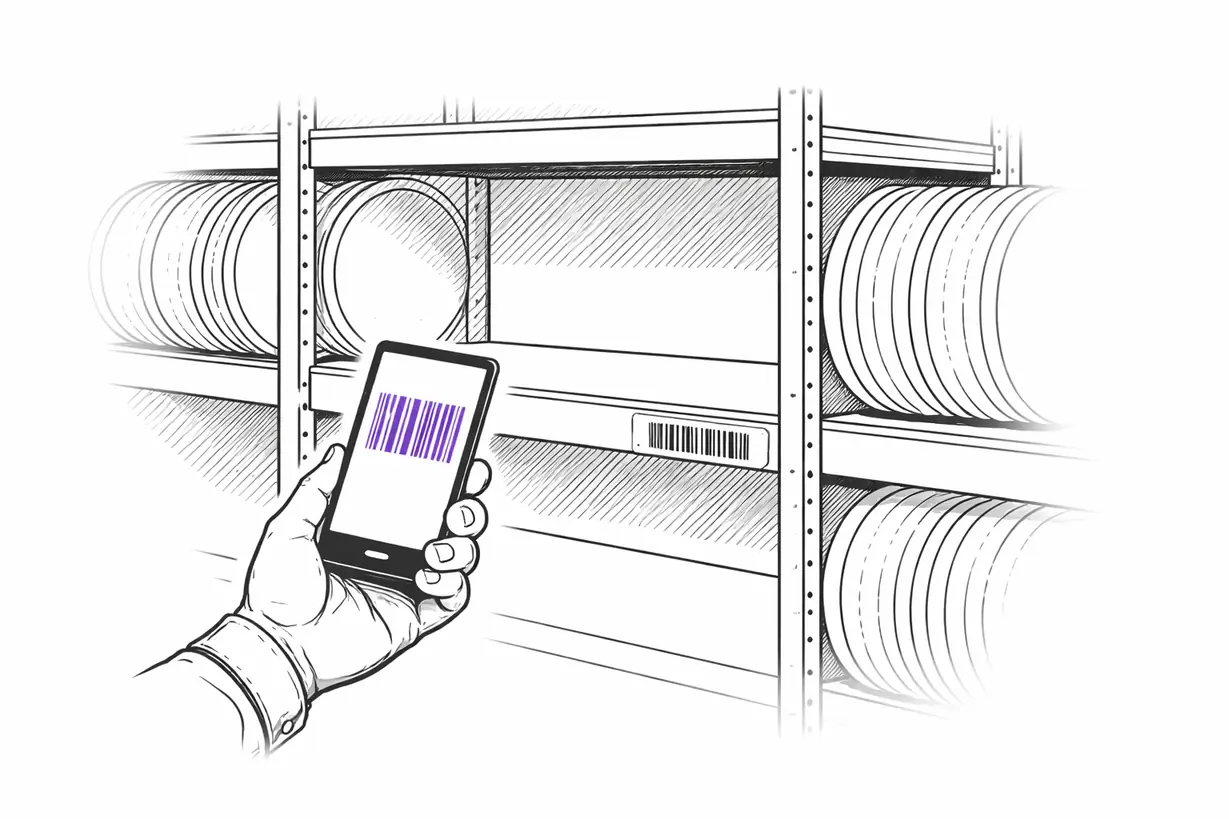
- Stock is consumed or booked out (e.g., via barcode scan)
- System detects: stock falls below reorder point
- System creates an order proposal with quantity, supplier, price
- Depending on configuration: auto order or manual approval
- Delivery arrives, is booked in, stock updates
No manual intervention. Material is there when you need it.
Who benefits most?
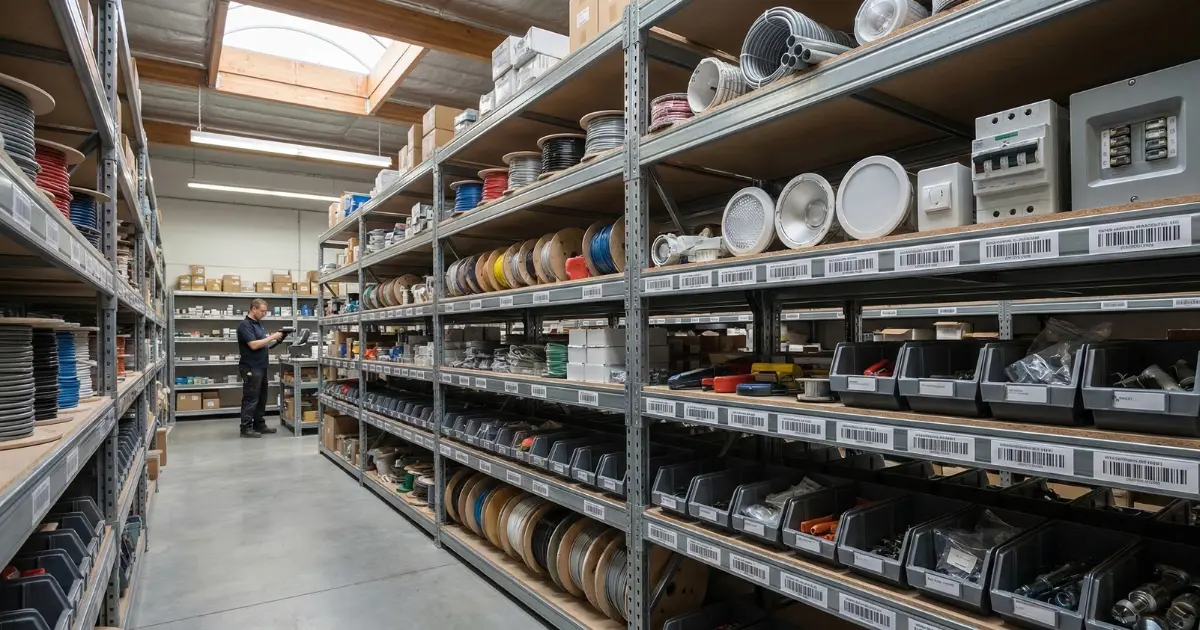
The more often you currently search for materials, double-order, or drive to the wholesaler at short notice, the larger the leverage. Multiple stock locations or service vehicles amplify the effect.
This is not about "from X items onward." It is about recurring parts you can standardize. A full overview of procurement methods for consumables is in the linked article.
Not everything needs to be automated. C-parts with regular usage (screws, fittings, cables, seals) are the best entry point. Special materials and project goods remain manual. Scan-to-Order covers manual triggers, the reorder point covers the rules-based side.
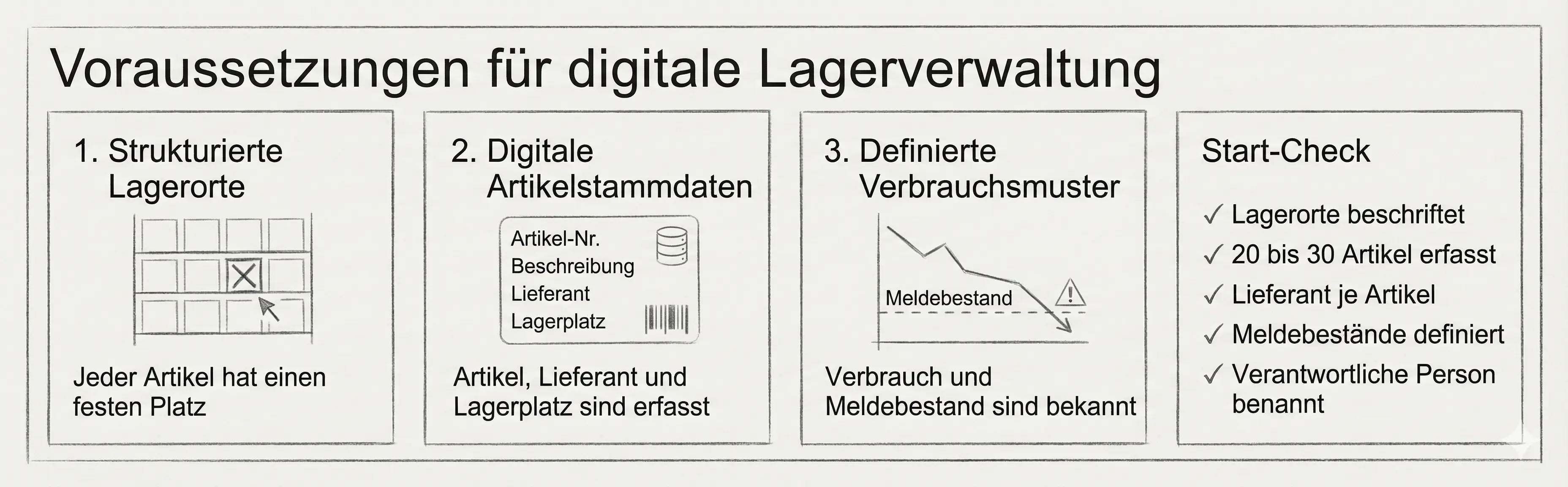
Prerequisites
Automatic ordering only works on clean data. Three things must be in place:
- Structured stock locations with fixed bins per item
- Digital item master data with name, supplier, price, and bin location
- Initial usage data, at least estimated (adjust after 4-6 weeks)
How to build this foundation step by step: Digitize inventory management in 5 steps.
Checklist before you start:
- Stock locations named and labeled
- At least 20 to 30 items captured digitally
- At least one supplier assigned per item
- Reorder points defined (even if initially estimated)
- A responsible owner for the system named
Software: what to look for
There are many solutions. The name does not matter. The capabilities do.
Must-have criteria
| Feature | Why it matters |
|---|---|
| Reorder point automation | Core function: system detects demand and orders |
| Barcode/QR scanning | Fast booking for goods in and out |
| Supplier integration | Orders go to the wholesaler without manual re-entry |
| Mobile app | Access from the job site |
| GDPR-compliant hosting | EU servers, encrypted data |
Should-have criteria
| Feature | Why it matters |
|---|---|
| DATANORM import | Import item master data from suppliers |
| Offline mode | For job sites with weak reception |
| Approval workflows | Orders above a threshold need owner approval |
| Usage analytics | Identify which items cost the most |
| Multi-supplier comparison | Same item, different prices |
Cloud vs. on-premise
| Criteria | Cloud | On-premise |
|---|---|---|
| Access | From anywhere, any device | Only inside the local network |
| Maintenance | Provider handles it | Internal IT required |
| Costs | Monthly fee (EUR 20-100) | One-time cost + maintenance |
| Data control | With provider (EU servers) | In-house |
| Updates | Automatic | Manual |
For most businesses, cloud is the better choice: ready immediately, no IT overhead, access from the job site. More on this: 12 strategies for digital procurement in trades.
7 rules that work
1. Start with C-parts
Screws, fittings, cables, seals. High usage, low unit value, reordered regularly. Biggest leverage, lowest risk.
2. Review reorder points quarterly
Usage patterns change. What fits in January causes overstock in June. Review quarterly and adjust based on real usage data.
3. Involve the team from day 1
Your storekeepers and journeymen know best what gets used regularly. Let them co-decide. Acceptance comes from involvement, not orders (ZVSHK guide).
4. Clean master data first
Check item numbers, assign suppliers, update prices. Good data = good orders. Bad data = automated chaos.
5. One process, one focus
Do not automate stock, projects, and office supplies all at once. One area until it runs, then expand.
6. Inform suppliers
Tell your wholesaler. Clarify delivery windows, minimum order values, and digital formats. No surprises on either side.
7. Measure before and compare after
How many hours per week go into ordering? How often does material run out? How many ordering errors per month? Without a baseline you cannot prove success.
5 mistakes to avoid
1. Switching everything at once
"Trying to make everything better immediately with new software quickly leads to overload" (Das Unternehmerhandbuch). Start with 20 to 50 items. Not 500.
2. Bypassing the team
Missing team involvement is the most common reason software rollouts fail in the trades (ZVSHK). Without acceptance, every system ends up on the shelf.
3. Set reorder points once and forget them
Fixed values without seasonal adjustment: overstock in winter, shortages in summer. Review quarterly.
4. Neglect master data
Wrong item numbers, outdated prices, missing suppliers. Bad data = automated ordering errors. Data hygiene is not a one-off project.
5. Buy software and call it done
"A common mistake is reducing digitization to buying software products" (Frag Dieter). Software is a tool. Without adapted processes, it changes nothing.
What does this deliver in euros?
Concrete example: plumbing, heating, AC trades business (SHK), 10 employees.
Time saved on ordering
| Metric | Value |
|---|---|
| Order actions per day | 10-15 |
| Time per order (manual) | 5 minutes |
| Weekly time spent | 4-6 hours |
| Automation rate | 60-70 percent |
| Time saved per week | 2.5-4 hours |
| Internal hourly rate | EUR 50 |
| Monthly savings | EUR 500-800 |
Reduced ordering errors
| Metric | Value |
|---|---|
| Ordering errors per month (manual) | 2-3 |
| Cost per ordering error | EUR 50-150 |
| Monthly savings | EUR 100-450 |
Avoided downtime
| Metric | Value |
|---|---|
| Downtime from missing material per month | 2-3 |
| Cost per downtime (two-person crew, 2 hours) | EUR 240-320 |
| Monthly savings | EUR 480-960 |
Reduced overstock
| Metric | Value |
|---|---|
| Current stock value | EUR 25,000 |
| Reduction through optimized ordering | 15-25 percent |
| Capital released | EUR 3,750-6,250 |
| Annualized per month | EUR 310-520 |
Total savings
| Category | Conservative | Optimistic |
|---|---|---|
| Time savings | EUR 500 | EUR 800 |
| Ordering errors | EUR 100 | EUR 450 |
| Downtime avoidance | EUR 480 | EUR 960 |
| Capital release | EUR 310 | EUR 520 |
| Total per month | EUR 1,390 | EUR 2,730 |
| Software costs | -EUR 50 | -EUR 200 |
| Net savings | EUR 1,340 | EUR 2,530 |
With software costs of EUR 50 to 200 per month, the investment pays back in the first month.
Data security
Cloud is not automatically safe or unsafe. What matters is how the provider operates.
- Hosting and privacy: EU hosting, data processing agreements, clear roles
- Access protection: roles, permissions, and traceable user management
- Backups: backups and a realistic recovery process
- Security evidence: ISO 27001, C5 attestation, or comparable documentation
The German Federal Office for Information Security (BSI) points to its C5 criteria catalog as a baseline for secure cloud computing. For smaller businesses, the Cyber Security Route Planner is a practical guide.
Conclusion
The tool exists, it is set up in days, and it pays for itself in month one. Three points:
- Start small. 20 to 30 C-parts, one stock location, one supplier. You can expand any time
- Bring the team along. Acceptance decides success. Involve storekeepers and technicians from the start
- Measure impact. Document ordering time, ordering errors, and downtime before and after
Digitize inventory management in 5 steps shows the concrete path. Or start directly with the free readiness check.
Sources
- Bitkom/ZDH (2025): Press release on trades digitization study
- Bitkom (2025): Trades study report (PDF)
- BME (2025): Purchasing Barometer SME 2025: Digitization with hurdles
- Spruegel Lagerorganisation: Save time in the trades: How much time does ordering take?
- beschaffung-aktuell (2024): Errors in online orders can get expensive for buyers
- Bauindustrie.de: Price development in construction
- ZVSHK / Handwerksblatt: Free guide to introducing software in the trades
- Das Unternehmerhandbuch: Software in the trades: when digital solutions really help
- Frag Dieter: Digitization in the trades: 6 mistakes to avoid
- ZDH: Survey on digitization of trades businesses
- Mittelstand-Digital Zentrum Handwerk: Requirements catalog for software systems
- BSI: C5 criteria catalog
- BSI: Cyber Security Route Planner