Warehouse management software

Features for your warehouse management in the cloud

Always know what's available, where it is, and what's on the way. On every device, in real time.

For businesses that want to digitize their warehouse and automate replenishment.

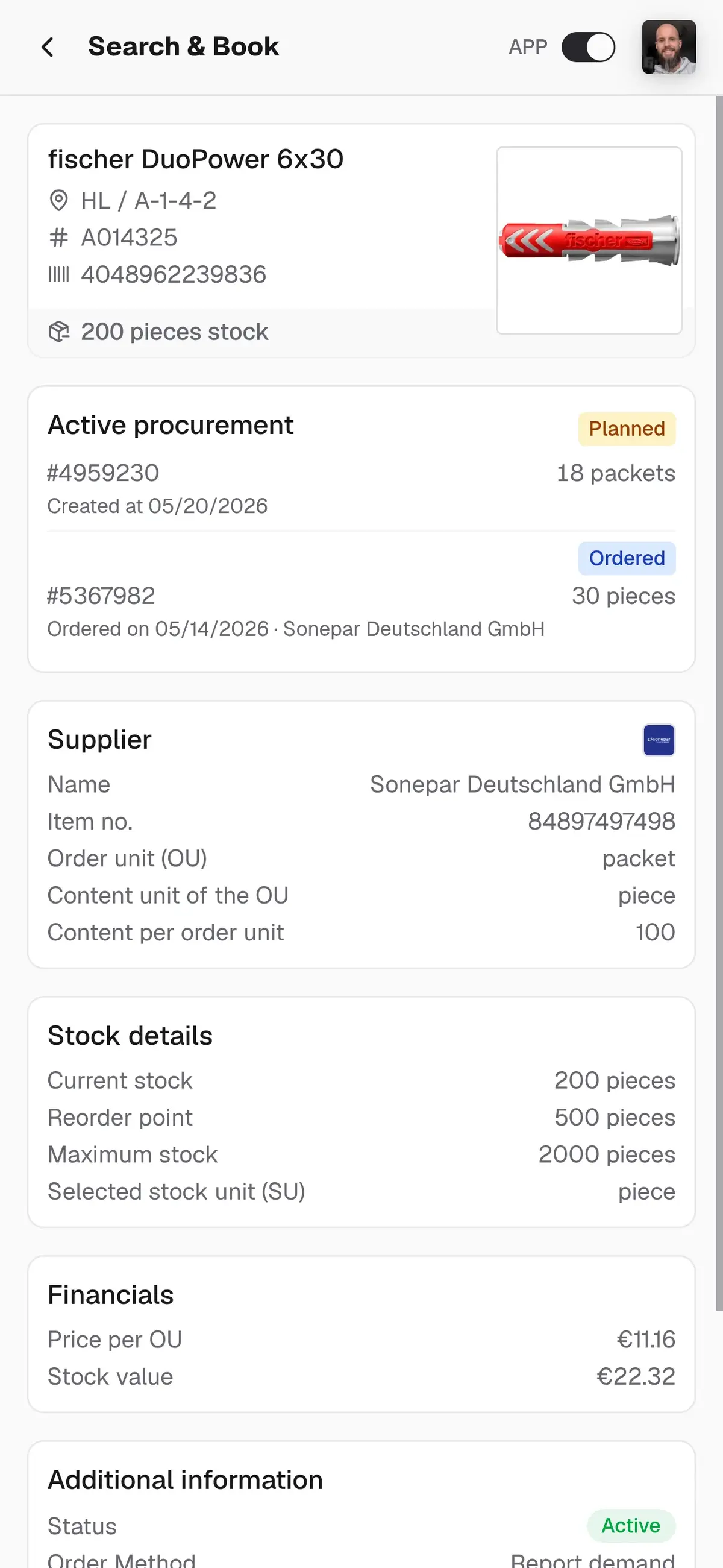
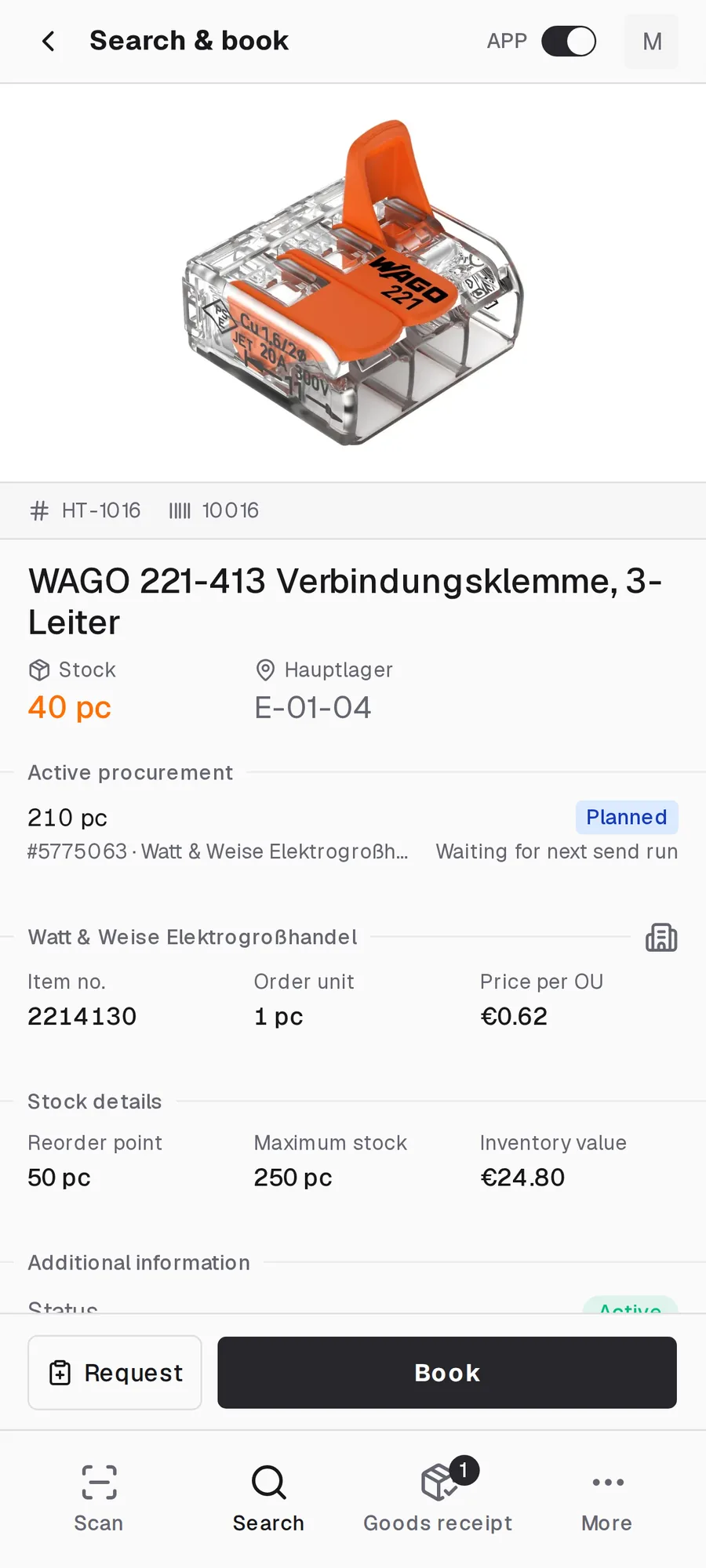
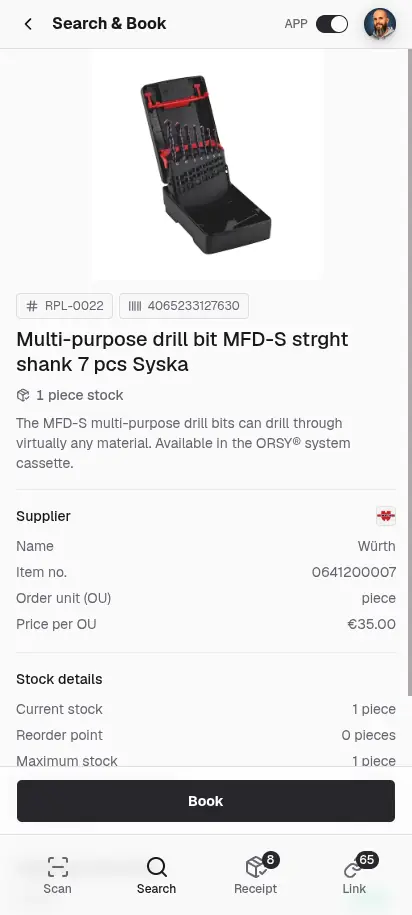
repleno app item detail
Used byElektro Hoppe-SchubertFilipp CNCanju conceptstore BielefeldElektro-Montagen Schulz Sulzbach-Rosenberg

REPLENISHMENT ON AUTOPILOT

This is how you always have everything in stock

In 5 seconds.
1
STOCK BOOKING

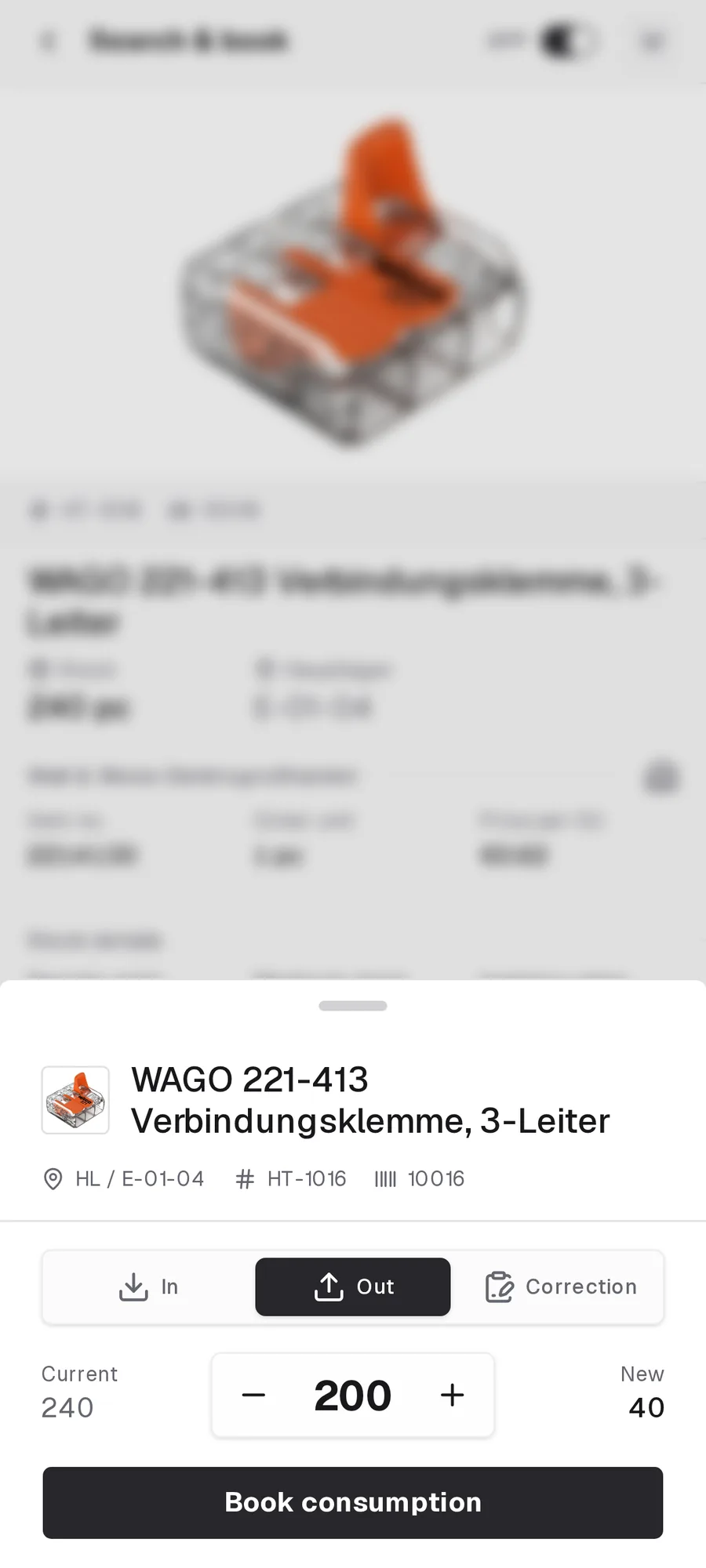
It starts with a booking

You scan the barcode and confirm the quantity. Stock booked in a few seconds.

Need spotted before it is missing.
2
STOCK MONITORING

Spot demand early.

repleno keeps an eye on your item stock for you.

Not every scan becomes an order immediately.
3
ORDER LOGIC

Report demand or order it

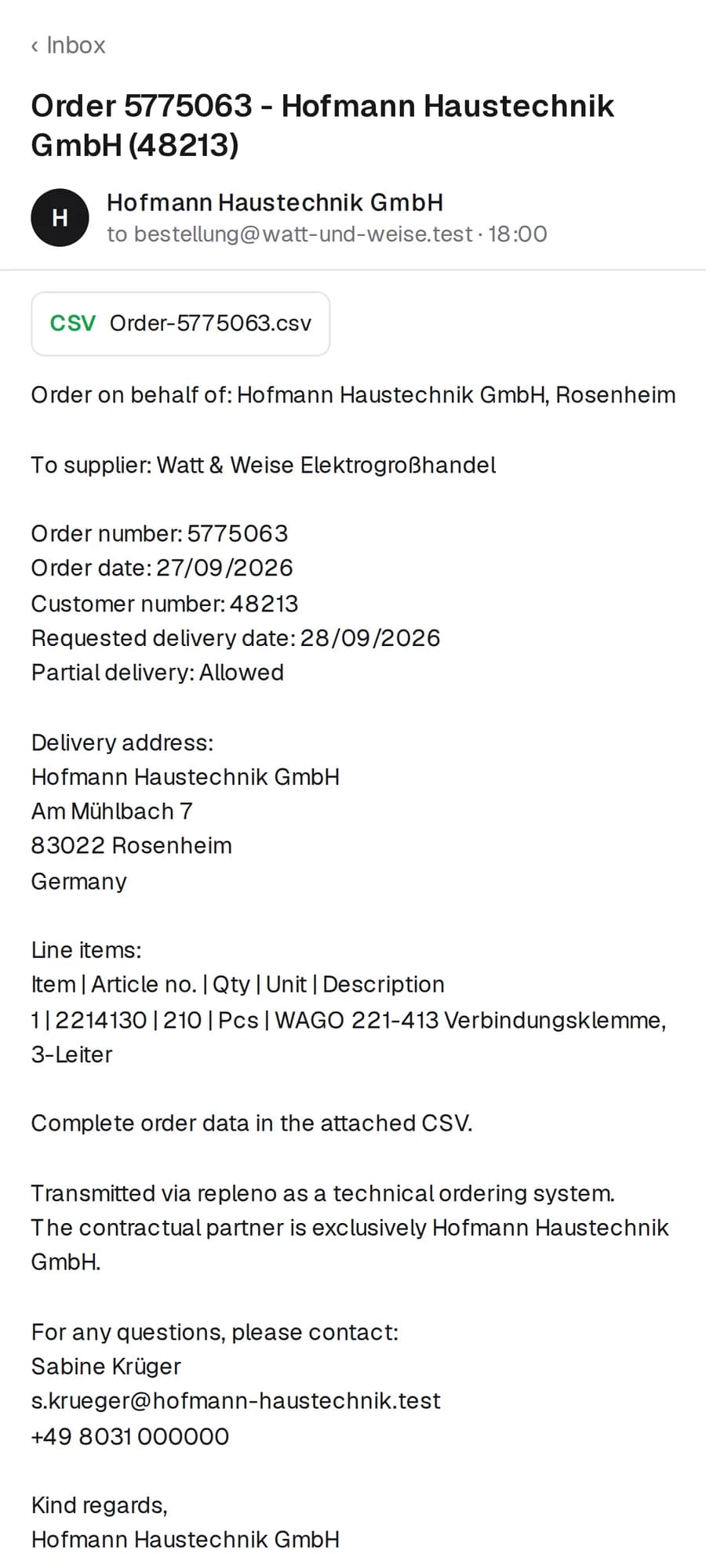
repleno lets you know when something gets low, or orders it for you. You decide how much automation you want.

Check delivery, book, done.
4
GOODS RECEIPT

Stock full again.

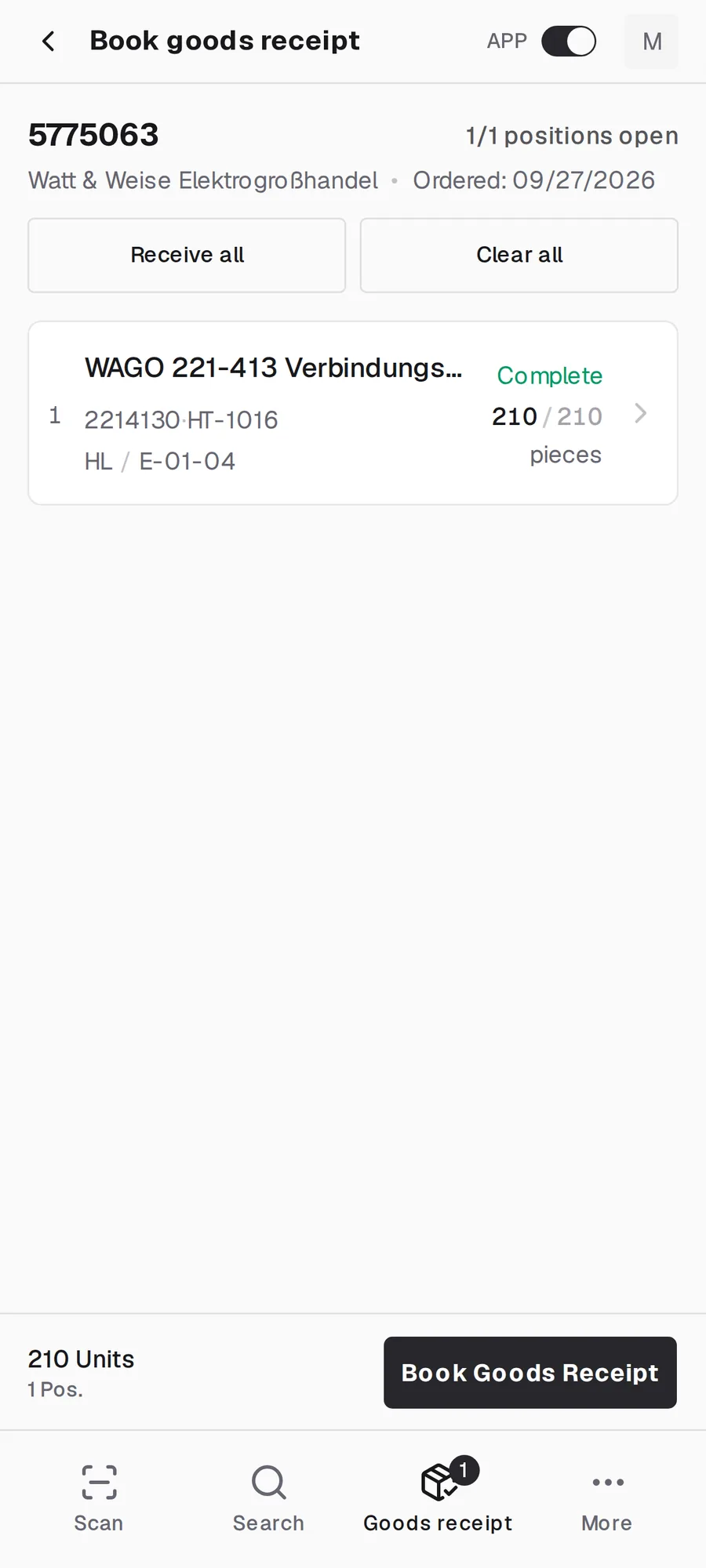
Your supplier has delivered. Confirm receipt in the app and repleno books the stock.

Ready for the next withdrawal.
5
ALL IN STOCK

Ready for the next pick.

Material there, stock right — your team works, repleno books in the background.

In 5 seconds.
1
STOCK BOOKING

It starts with a booking

You scan the barcode and confirm the quantity. Stock booked in a few seconds.

Need spotted before it is missing.
2
STOCK MONITORING

Spot demand early.

repleno keeps an eye on your item stock for you.

Not every scan becomes an order immediately.
3
ORDER LOGIC

Report demand or order it

repleno lets you know when something gets low, or orders it for you. You decide how much automation you want.

Check delivery, book, done.
4
GOODS RECEIPT

Stock full again.

Your supplier has delivered. Confirm receipt in the app and repleno books the stock.

Ready for the next withdrawal.
5
ALL IN STOCK

Ready for the next pick.

Material there, stock right — your team works, repleno books in the background.

In 5 seconds.
1
STOCK BOOKING

It starts with a booking

You scan the barcode and confirm the quantity. Stock booked in a few seconds.

Need spotted before it is missing.
2
STOCK MONITORING

Spot demand early.

repleno keeps an eye on your item stock for you.

Not every scan becomes an order immediately.
3
ORDER LOGIC

Report demand or order it

repleno lets you know when something gets low, or orders it for you. You decide how much automation you want.

Check delivery, book, done.
4
GOODS RECEIPT

Stock full again.

Your supplier has delivered. Confirm receipt in the app and repleno books the stock.

Ready for the next withdrawal.
5
ALL IN STOCK

Ready for the next pick.

Material there, stock right — your team works, repleno books in the background.

ALL FEATURES AT A GLANCE

Digital warehouse management

repleno organizes items, storage locations, and stock in one app. You see what is available, where it is stored, and what is inbound. Labels, suppliers, item management, and a traceable booking history are included. If you want, repleno also automates procurement.

From Go, you can manage the same item at multiple storage locations, with its own stock level and bin at each location. This keeps stock in the main warehouse and workshop visible separately. repleno also helps you spot excess stock, weak reorder points, and items with no movement.

Tradesperson scanning a Wago terminal barcode with smartphone
FunctionWhat it can do for you
Bookings via appBook consumption, receipts, transfers and corrections in seconds via QR or barcode scan. Instantly visible to the whole team.
Stock management
Stock updates in real time on every device. See current stock, incoming deliveries and item coverage at any time.
Low stock alertsGet notified the moment an item drops below its reorder point, in the app and by email.
Replenishment and ordersFour levels per item: watch only, demand alert, order after approval, or fully automatic.
Goods receipt
Book goods receipts directly against open orders and keep stock up to date immediately.
Digital stocktaking aid
Carry out stocktakes with a target list and record only deviations instead of recounting everything.
AI Item Creation & Data Import
Scan the barcode and the AI creates the item with name, data and product image. Import entire stock lists via CSV.
Item management
Maintain all item master data in one place and create new items in seconds with the help of AI.
Supplier management
Manage suppliers centrally, assign several per item, and order more efficiently with clear minimum order values.
Storage locations & stock per location
Manage the same item at multiple storage locations, with its own stock level and bin at each location. From Go.
Labels & barcodesCreate and print labels with barcode or QR code for fast scanning in the warehouse.
Item photos
Find and recognize items by photo, even when you don't know their name or what they look like. The AI fetches the product image automatically, no photographing needed.
Bill of materials & Kits
Create assemblies and kits. Production increases the stock of the finished item, and kit withdrawals book the components directly.
Project bookings
Book material directly to projects or customers and track clearly where it was installed.
Team access
Manage access and roles so everyone on the team sees exactly what they should.
Warehouse analysisFinds slow movers, optimizes stock value and shows dependencies on individual suppliers.
History and audit trail
Every booking and every change to item data stays traceable, with timestamp and user.

WAREHOUSE SOFTWARE WITH CLOUD & APP

Your warehouse on every device and always with you

A warehouse management system works best in the cloud and via app. That is why repleno runs in the browser and therefore works on all devices. Whether smartphone, tablet, laptop or desktop PC. Your master data, stock, storage locations and orders synchronize in real time between office, warehouse and on the road.

From the office, for example, you create the Wago 221-413 connector as a new item in master data, but you have no idea what the stock is. Your colleague in the warehouse does. So you call them briefly and they add the actual stock and storage location on the tablet. Colleagues in the field see on their smartphone right away how many connectors are available and where they are stored.

You install the repleno app in a few seconds, like a native app. But without an app store. Works on iOS, Android, Windows, macOS and Linux.

Smartphone
Tablet
Laptop
Desktop
iOS
Android
Windows
macOS
Linux

How repleno works in daily use

Every item has a minimum stock level. As soon as available stock reaches that level, repleno creates an order line — as a notice to you or directly with the supplier on file. Lead time is included in the suggestion so you do not order only once it is already empty.

No morestress.searching.missing parts.stress.

repleno keeps an eye on your inventory and flags what's running low — before you go looking for it on the shelf. What gets ordered is your call.

No credit card

repleno app item detail in the PWA
Empowered byFounders Foundation