

Barcode & QR Scanner via App
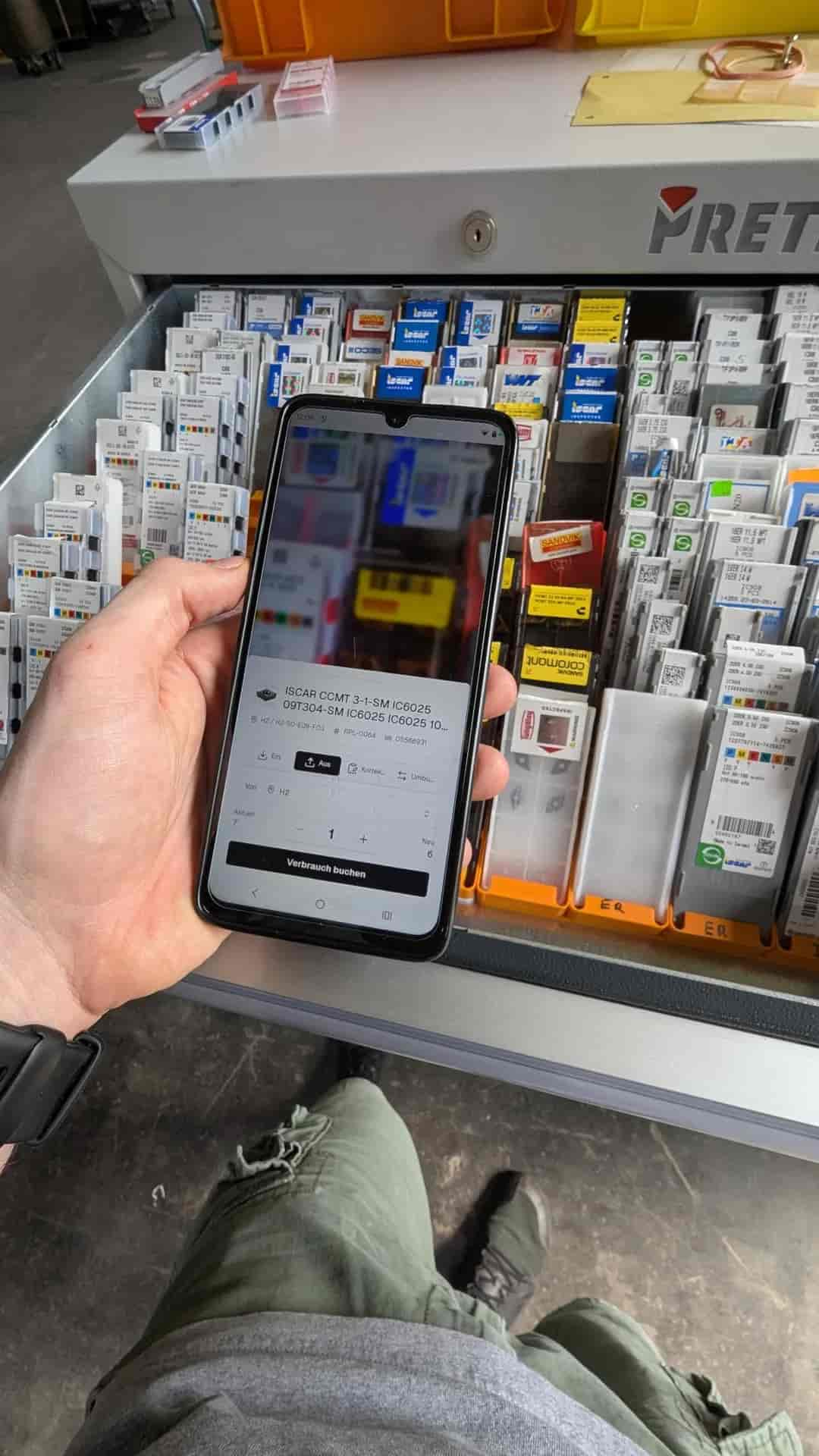
To put an end to Excel and paper in your warehouse, you book your stock in repleno with your smartphone, by barcode and without extra hardware.




The barcode & QR scanner in repleno
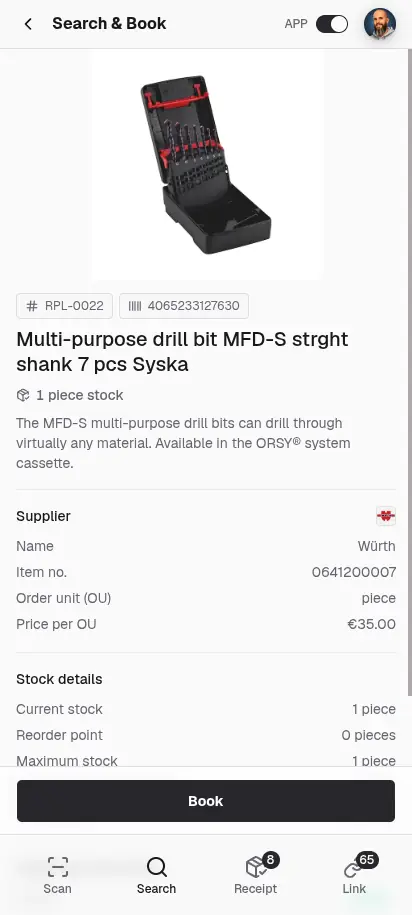
Capture any code with your phone camera and book, find, or check the right stock in one step.
How inventory management with barcode scanning works
What isn't convenient and fast doesn't get used. That's why your team books stock in seconds by phone scan with repleno.
Open the repleno app on your smartphone and choose the desired booking mode.
Scan the QR code or barcode on the material.
Enter the quantity. Press book. Done. The stock is updated immediately.
The benefits of warehouse management with a scanner in repleno
Stock keeping is part of the work in the warehouse, not desk work afterwards.
You always book against the right item
You scan the item you are holding and book it onto the right stock, without any mix-up.
Capturing becomes a habit
A scan is faster and simpler than typing into Excel or writing on slips of paper.
The stock figures in the system hold
What the system shows matches what is on the shelf. That saves you unwelcome surprises, express orders or special trips to the wholesaler.
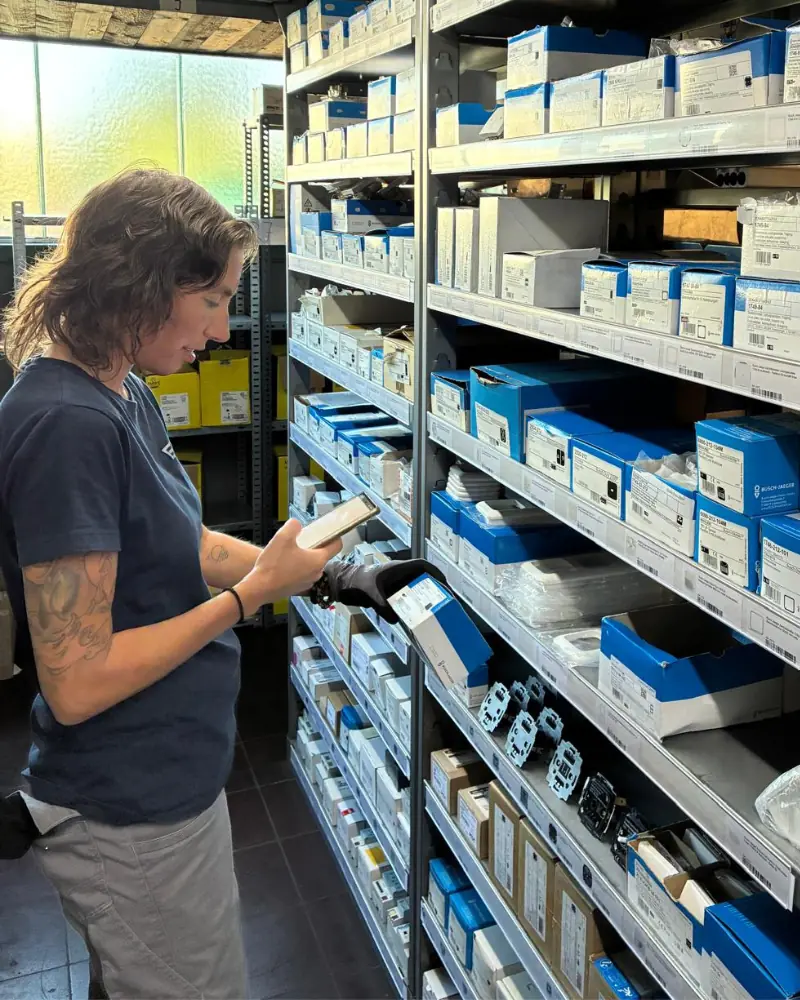
Customer testimonial from Elektro-Montagen Schulz
“As we grew, our warehousing had to grow up with us. With repleno our team can see straight away what we have and where it is. And we get a heads-up before material runs short.”
Customer testimonial from Horst Filipp GmbH
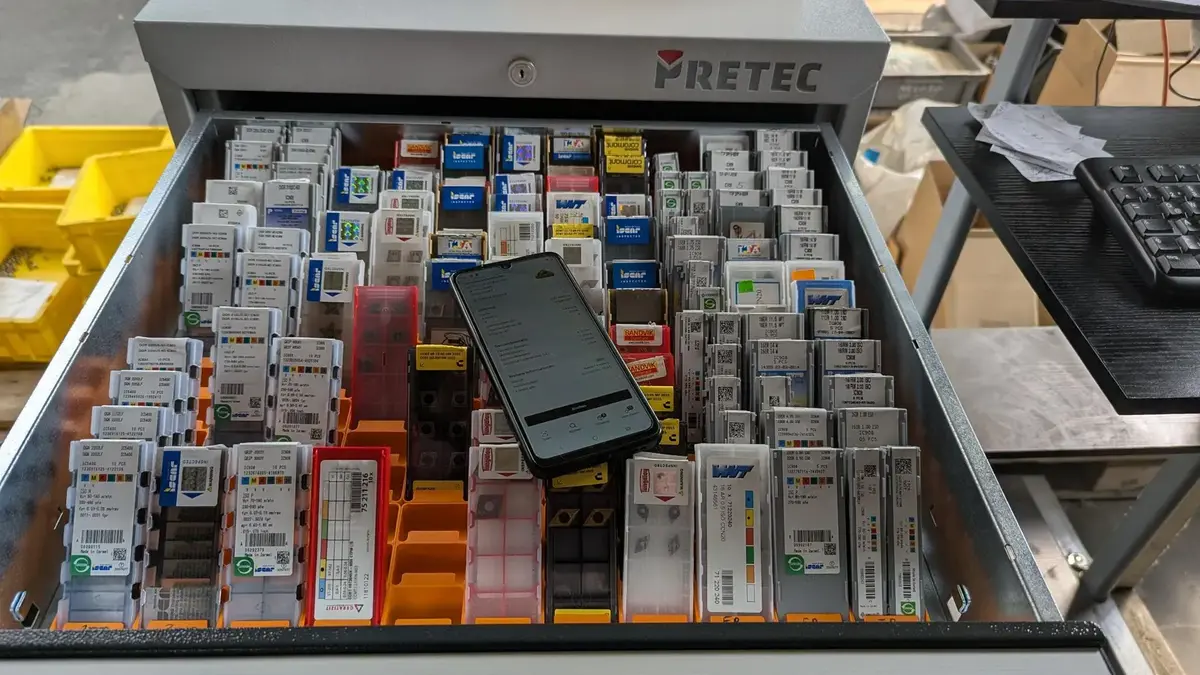
“Our cutting tools were spread across three storage locations, and stock wasn't tracked. With repleno we consolidated them and now know in time when something runs low. That way we can reduce stock without risking a missing tool that leaves a machine standing idle.”
Customer testimonial from anju conceptstore
“It's super easy, so the whole team actually uses it. No more scraps of paper and Excel sheets!”
„Nobody in my warehouse is going to keep using an app.“They will, once a scan beats the paper list.
| Worries | With repleno |
|---|---|
Then I have to barcode every item first. | Existing manufacturer barcodes you can use as they are. Your own labels you only need where none exist yet. |
When things get hectic, the logging gets left behind. | The barcode gets scanned right as you take the item. That only takes seconds. |
Then I'll need extra scanners in the warehouse. | The smartphone camera is all you need to scan. |
Common questions about the barcode scanner
Add your first 25 items for free.
No credit card. No time limit.
More repleno features
Scan a barcode, paste a product link or text: the AI creates the item with name and data. Import entire stock lists via CSV.
Maintain all item master data in one central place.
Extend items with your own fields like manufacturer, serial number, or sales price.
Manage suppliers centrally, assign several per item, and order more efficiently with clear minimum order values.
Manage the same item across multiple storage locations, with its own stock level and bin at each one.
Create and print labels with barcode or QR code for fast scanning in the warehouse.
Learn moreLet repleno find matching product images for you, without having to upload them yourself.
Create assemblies and kits. Production increases the stock of the finished item, and kit withdrawals book the components directly.
Manage access and roles so everyone on the team sees exactly what they should.
Learn moreA device in the warehouse that the team shares without personal logins: unlocked with a name and PIN and straight into stock management.
Book goods receipts directly against open orders and keep stock up to date immediately.
Carry out stocktakes with a target list and record only deviations instead of recounting everything.
Book material directly to projects or customers and track clearly where it was installed.
Book material consumption to cost centers and export the report for accounting, DATEV or SAP.
Keep an eye on your material: everyone sees on their phone or PC what's in stock, what's on the way and what needs reordering soon, in real time.
Learn moreGet notified the moment an item drops below its reorder point, in the app and by email.
Learn moreFour levels per item: watch only, demand alert, order after approval, or fully automatic.
Learn moreFind slow movers, optimize stock value and spot dependencies on individual suppliers.
Learn moreEvery booking and every change to item data stays traceable, with timestamp and user.
Every feature is included in every plan. See pricing
Find out what AI says about repleno.
One click, and ChatGPT, Claude, Gemini or Perplexity give you their take.