

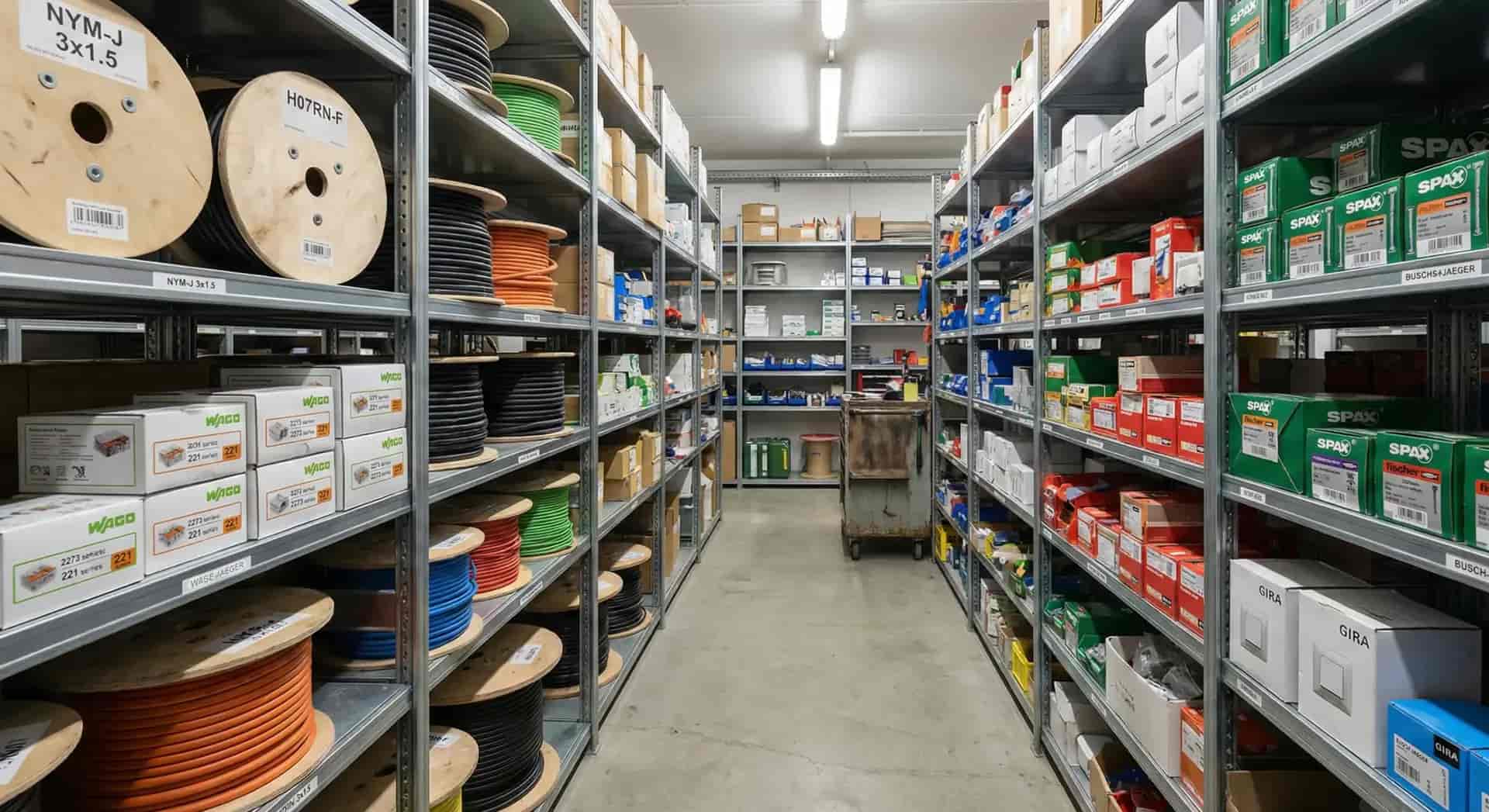
Stock Analysis for a More Productive Warehouse
repleno turns your stock data into clear decisions that make your operation faster and leaner.




Stock analysis in repleno
Examine your stock by capital tied up, turnover and supplier distribution, from your day-to-day data alone.
How stock analysis works
Without ongoing analysis you can't see where capital is tied up, what sits unused and how much you still order by hand.
Enter your purchase prices. repleno calculates stock values from that data.
Book every movement in the app. Every analysis is built from that history.
repleno analyzes stock value, dead stock and how automated your procurement is, and gives you concrete recommendations.
Reduce overstock and free up capital
1,863 €
Reduce stock- Motor oil 5W-30944 €
- Gloves L719 €
- Cleaning cloths127 €
All your analytics in one place
Inventory value, slow movers, automation and turnover, all from your everyday warehouse data.

The benefits of stock analysis in repleno
repleno makes visible what is really going on in your warehouse.
You see where your capital sits
In black and white how much capital is tied up in your warehouse, which items tie up the most, and how strongly you depend on individual suppliers.
Unused material stands out
repleno flags items that have sat without movement for a long time. You see how much money is lying unused on the shelf, and get it back.
Less ordering work
repleno shows you which items, given their high ordering effort, you can hand over to repleno to reorder, saving you that time.
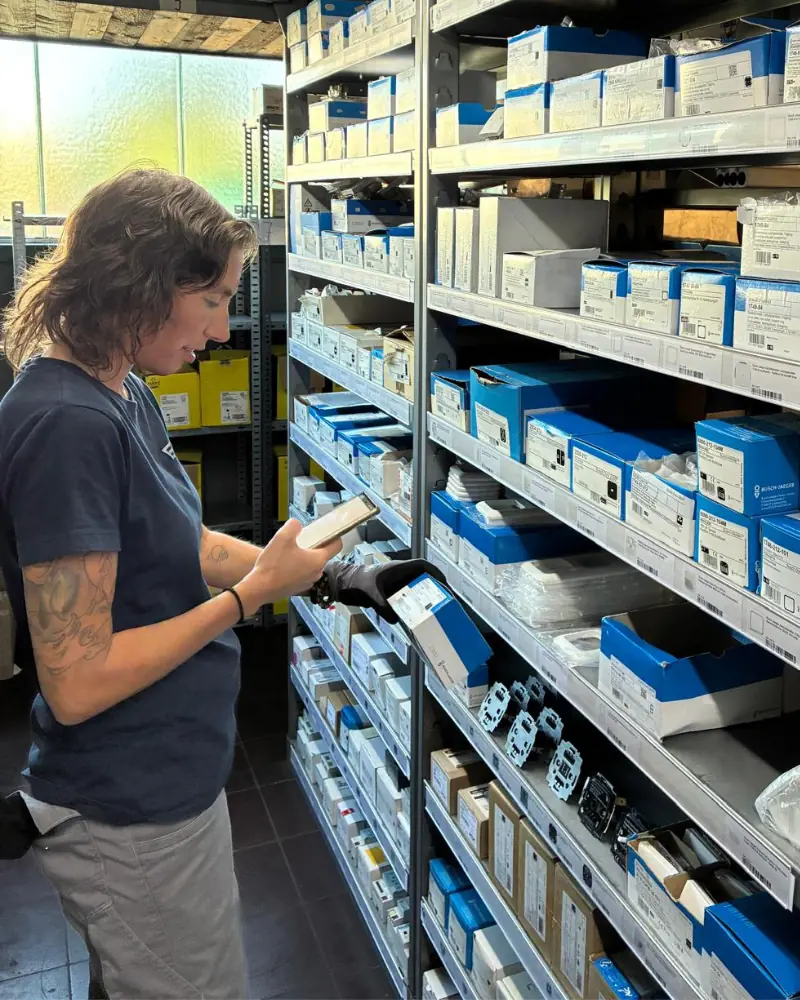
Customer testimonial from Elektro-Montagen Schulz
“As we grew, our warehousing had to grow up with us. With repleno our team can see straight away what we have and where it is. And we get a heads-up before material runs short.”
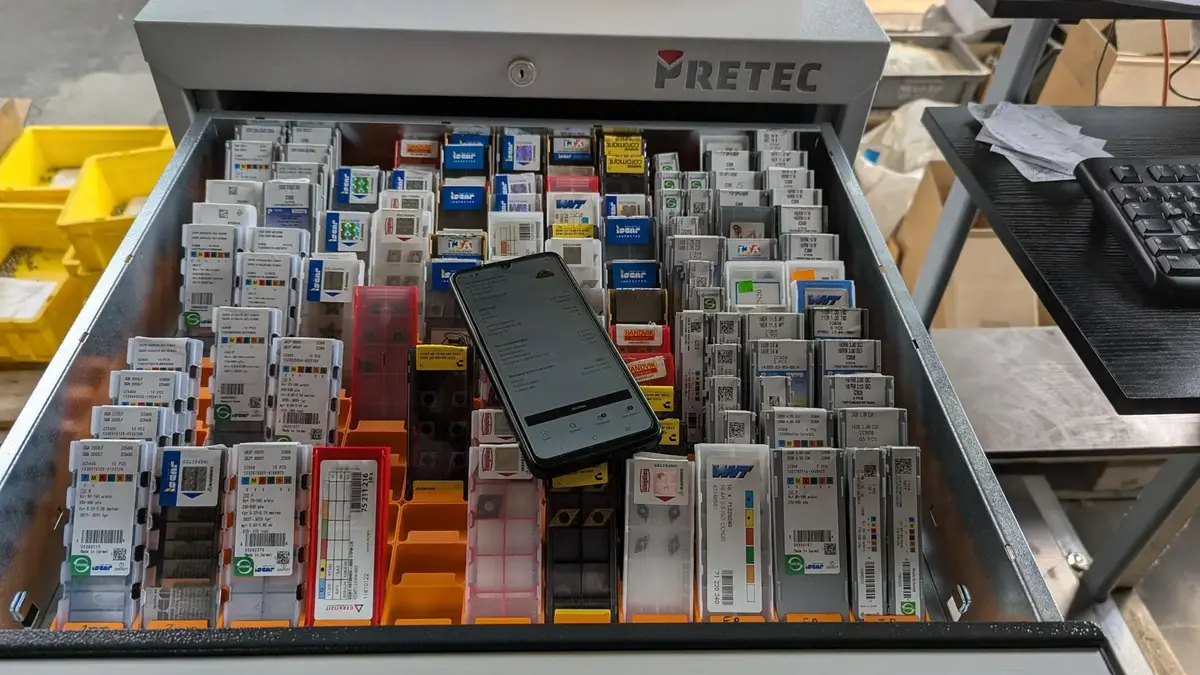
Customer testimonial from Horst Filipp GmbH
“Our cutting tools were spread across three storage locations, and stock wasn't tracked. With repleno we consolidated them and now know in time when something runs low. That way we can reduce stock without risking a missing tool that leaves a machine standing idle.”
Customer testimonial from anju conceptstore
“It's super easy, so the whole team actually uses it. No more scraps of paper and Excel sheets!”
“I know my own warehouse well enough.”But not how much capital is rotting in there.
| Concerns | With repleno |
|---|---|
I can see for myself what's overstocked on the shelf. | And repleno shows you how much it's worth and what you should free up. Even when that stings. |
For our small parts an analysis like that isn't worth it. | Many small stocks add up, even though each one looks harmless on its own. That's why repleno looks at those too. |
What's the point of knowing how much money is in stock? | You see which items are worth a closer look at their stock and tied-up capital. |
I can't do anything with analyses like that. | That's why repleno gives you concrete, easy-to-understand recommendations that anyone can follow. |
Common questions about stock analysis
When does an item count as a slow mover?
How is inventory value calculated?
Can I export the data?
What happens with overstock?
When will I see results?
Can repleno run a fast-mover vs slow-mover analysis?
Add your first 50 items for free.
No credit card. No time limit.
More repleno features
Scan a barcode, paste a product link or text: the AI creates the item with name and data. Import entire stock lists via CSV.
Maintain all item master data in one central place.
Extend items with your own fields like manufacturer, serial number, or sales price.
Manage suppliers centrally and assign several per item. The demand report shows you right away where to order.
Manage the same item across multiple storage locations, with its own stock level and bin at each one, and transfer stock between them.
Create and print labels with barcode or QR code for fast scanning in the warehouse.
Learn moreLet repleno find matching product images for you, without having to upload them yourself.
Create assemblies and kits. Production increases the stock of the finished item, and kit withdrawals book the components directly.
Manage access and roles so everyone on the team sees exactly what they should.
Learn moreA device in the warehouse that the team shares without personal logins: unlocked with a name and PIN and straight into stock management.
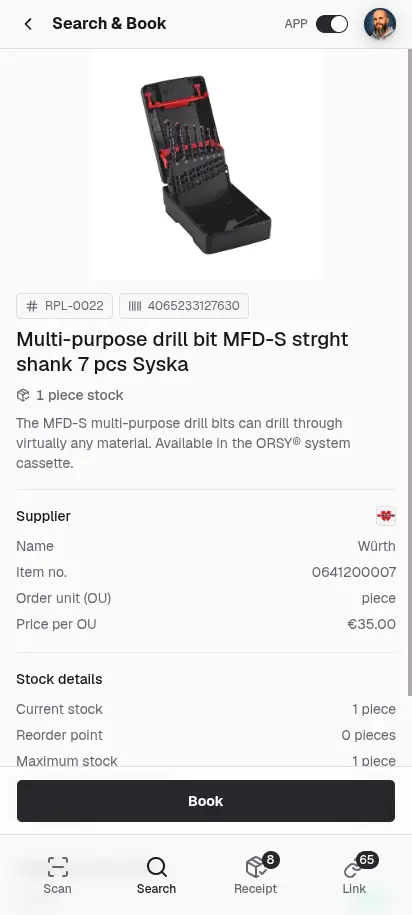
Book consumption, receipts and stock corrections in seconds. By barcode or QR scan, or simply through search, no barcode needed.
Learn moreBook goods receipts directly against open orders and keep stock up to date immediately.
Book material directly to projects or customers and track clearly where it was installed.
Staff request missing material in the app, with quantity and a note. The admin sees the request right away and takes care of it.
Book material consumption to cost centers and export the report for accounting, DATEV or SAP.
Keep an eye on your material: everyone sees on their phone or PC what's in stock, what's on the way and what needs reordering soon, in real time.
Learn moreGet notified the moment an item drops below its reorder point, in the app and by email.
Learn moreWhen an item drops below its reorder point, repleno emails the order to the supplier, bundled and with minimum order value. Optionally only after your approval.
Learn morerepleno prepares orders, and you approve them before they go to the supplier.
Every booking and every change to item data stays traceable, with timestamp and user.
Unmarked features are included in every plan, Free included. See pricing
Find out what AI says about repleno.
One click, and ChatGPT, Claude, Gemini or Perplexity give you their take.