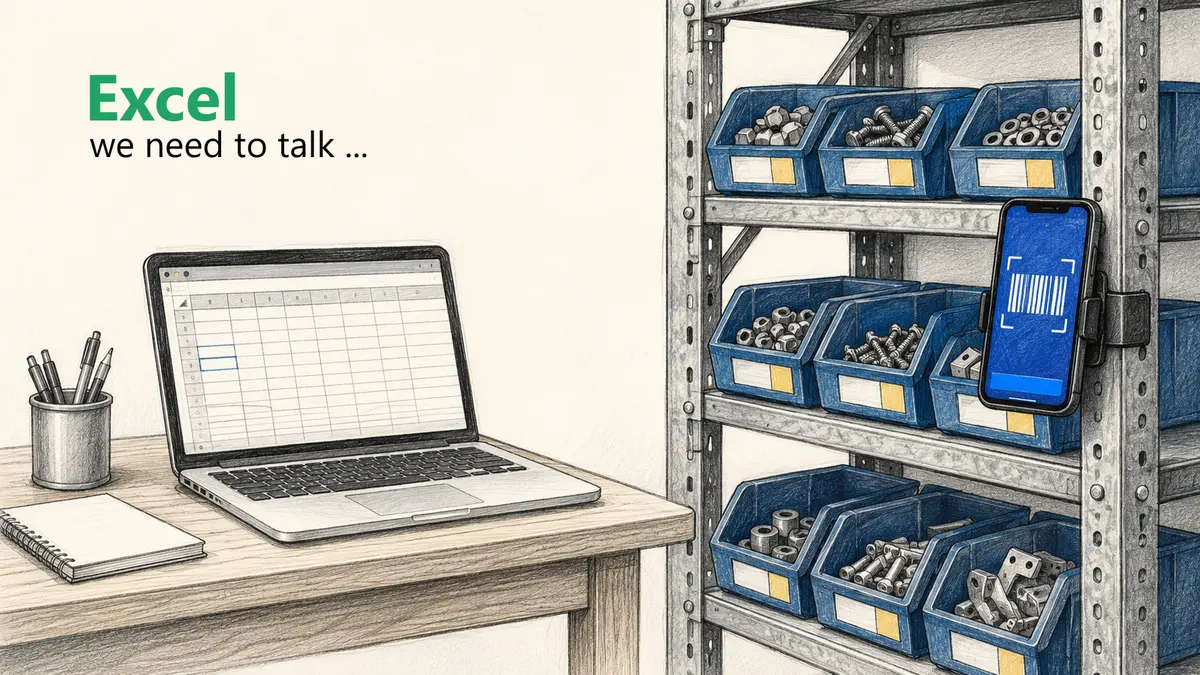
Excel works until the upkeep costs more than the app.
94% of all spreadsheets contain errors
Excel logs cells, not transactions
What isn't convenient doesn't get done, and Excel at the shelf isn't convenient
Switch signal: 2 or more people access stock, or Excel maintenance costs more than 30 minutes per week.
"A warehouse in Excel doesn't scale with your team, it scales with your errors."
Wednesday morning, 10 AM. A technician needs two shaft seals and calls the office to ask whether any are left. The answer: "Let me check the list." The Excel spreadsheet shows four. The bin is empty. Colleagues had taken the rest over the previous days without updating the spreadsheet.
Emergency trip to the supplier. 45-minute drive. Half the morning gone. Not an extreme case, but everyday reality in small businesses that manage their stock with an Excel template.
When Excel Is Good Enough for Inventory Management
Excel is not fundamentally the wrong tool. And businesses that stick with it are not foolish, because a botched software rollout costs more than a working spreadsheet. Excel survives because it is flexible enough to paper over gaps in processes (and every business has plenty of those). Because if you maintain your stock in an Excel list, it can work under certain conditions.
Check whether you can answer yes to all of the following:
One person is responsible for the warehouse and the list changes only rarely
Upkeep stays small: you keep stock in your head, questions and recounts cost barely any time
No mobile access is needed (stock levels are only needed in the stockroom itself)
All three met? Then Excel works. A clean Excel template with item number, description, current stock, and minimum quantity is enough to start. Simple bills of materials or inventory lists can be maintained this way too.
Microsoft 365 or Google Sheets can enable several people to edit a list at the same time. But that does not solve the real problem: removals must be captured quickly and reliably at the shelf, and a spreadsheet has no transaction workflow for that. A shared document does not supply one, it only lets more people work past it at once. See how inventory management for teams organizes this without calling around.
Why Excel Fails in Daily Warehouse Operations
Excel is not built for inventory management. It is a spreadsheet application, and that shows in five places:
1. Logging stock changes is too cumbersome. A colleague takes material in the morning. To update the stock level, he would need to get to the PC, open the spreadsheet, find the right row, change the quantity. Nobody feels like doing that, so it does not happen. If you are lucky, he logs it in the evening. In between: a full workday with incorrect stock levels that accumulate until material runs out again.
2. No reliable alerts. Excel can highlight low stock in color. But that indicator only helps whoever is looking at the spreadsheet at that moment. An automatic notification or reorder step needs extra logic and ongoing maintenance. Otherwise, you find out that something is missing when someone is standing in front of an empty shelf.
3. Error rates are scientifically documented. Research by Ray Panko (University of Hawaii) shows: 94% of all audited spreadsheets contain at least one error, and the average error rate per formula cell is 5.2% (Panko, 2005). Across his survey of the field studies, no single study found fewer than 88% of audited spreadsheets to be faulty.
More formulas = more error sources. In an inventory list with calculations for reorder points, order quantities, and consumption, this adds up quickly.
4. One person leaves, the system stops. Every Excel inventory list is a one-off. One person built it, knows the formulas, knows what each column means. If that person gets sick, quits, or goes on vacation, the rest of the team is staring at a file nobody understands. Onboarding new employees means explaining the quirks of a spreadsheet that was never built for anyone else.
5. You can't see where the material went. In Microsoft 365, or Excel itself, you can look up who changed a cell. But the version history logs the cell value, not the transaction behind it: which job the material went out for is nowhere. And if everyone works from the same office login, every change carries the same name: "Ingo's stockroom PC".
What an Inventory Management App Does Better
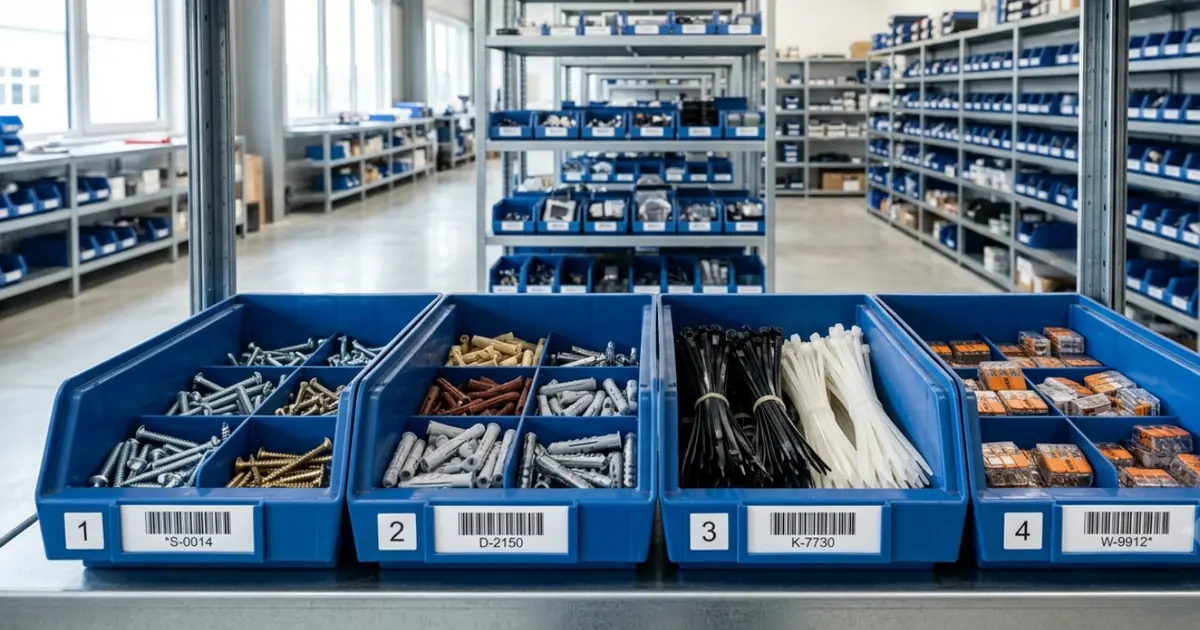
Specialized inventory management software turns each of these five points around, because it starts where Excel has no footing: the transaction at the moment of removal. Your colleague scans the barcode on the bin with a phone, the stock drops instantly, and every movement is recorded with person, time, and quantity. When an item's stock falls to its reorder point, the system gets in touch on its own, instead of someone having to watch an indicator every day.
All of that only holds if the app actually gets used. If nothing is booked at the shelf, the system shows the same wrong stock as the spreadsheet. Whether it gets booked comes down to how simple and convenient it is: scanning is seconds, finding the right row is minutes.
Excel vs. Inventory Software (App): The Comparison Table
Criterion
Excel
App
Real-time stock levels
Only after manual entry
Instant after every transaction
Onboarding new employees
Difficult (every spreadsheet is a one-off)
Easy (standardized interface)
Barcode / QR scanning
Possible as input, but you build the transaction logic
Smartphone camera is enough
Automatic alerts
An indicator is possible; reliable reminders need extra logic
Standard feature
Mobile access
Awkward (small screens)
Native app, optimized for smartphones
Change log
Shows cells, not transactions
Every transaction with quantity, timestamp, and user
Cost
Seemingly free (hidden costs from errors and time)
From approx. 50 euros/month
Switching effort
None, the tool is already there
One-off: import items, brief the team
Error rate
High (5.2% CER per Panko)
Significantly lower through validation
You can compare Excel and our inventory app repleno in a separate table.
What Excel Really Costs You
Excel appears free. The effort simply shows up on no invoice. What matters is what the hour on the stock list really costs, and that depends on who spends it. If it belongs to someone whose time is billable, what you lose is the full charge-out rate, not just the wage: our hourly rates by trade sit at 65 to 70 euros for a journeyman hour in 2026. The calculation below conservatively uses 60 euros; hours that fall internally anyway run on a different basis. The rest is set low too: one hour of upkeep per week, and a single material shortage per month costing four working hours.
Cost type
Excel spreadsheet
Inventory management app
Software cost
0 euros
from approx. 50 euros
Stock upkeep, 1 hr/week at 60 euros
approx. 260 euros
approx. 65 euros (scanning beats typing, but upkeep remains)
One shortage per month, 4 hrs lost
approx. 240 euros
near 0 euros
Total cost per month
approx. 500 euros
approx. 115 euros
List upkeep, recounting, and questions from colleagues quickly add up to two hours instead of one, at the 60 euros from above around 520 euros a month that doesn't go into billable work. Counted downwards, the threshold sits at half an hour per week: 130 euros of upkeep, more than the app costs in total per month. On top of that, wrong orders and vehicle costs and the second shortage in a month are not counted here. And where no hour gets sold at all, because the stockroom belongs to maintenance or to the back office, the bare labour cost applies instead of the charge-out rate: 45.00 euros per hour worked across the economy, 39.60 euros in construction (Federal Statistical Office, 2025). Even then, around 330 to 375 euros a month remain. The "free" Excel solution mostly costs time, and time is the bigger of the two line items.
Decision Guide: When It's Time to Switch
Not every business needs an app right now. But as we just worked out, Excel is not free either, which makes this a commercial question:
As long as one person runs the stockroom, upkeep costs little time, nobody needs access on the road, and the inventory count throws up no recurring discrepancies, stay with Excel. An app pays off the other way round, if:
Two or more people remove material
Stock levels need to be checked away from the stockroom, in a vehicle, or at the machine
The list doesn't get maintained, even though everyone knows it should be
Minimum stock is regularly breached without anyone noticing and parts end up missing
Inventory counting would be much faster with scanning than manual counting and typing
But maybe you're simply done with Excel. That is exactly how a technical director put it to me in August 2026: "Christoph, I'm done with Excel as an inventory system." In his case it was missing parts, because stock wasn't tracked properly and jobs had to be pushed back more than once.
That parts go missing in the first place is rarely a question of willingness. Because 58% of German trade businesses say they do not know what is technically possible, and they rate their own digitalization level at a school grade of 3.0 on average (Bitkom Research, 2025). Switching from Excel to an app is therefore often the first step that makes an immediate, tangible difference. What this saves in hidden warehouse costs is something most underestimate.
Excel Alternative: Which Solution Fits Your Business?
Which solution fits depends on three things: how often material is removed, how many people access stock, and how expensive downtime really is. For small businesses, inventory management software that tracks stock and nothing else is usually enough. An ERP is not required for that.
Approach
Good fit if ...
Limits
Excel or Google Sheets
You're alone or a team of two with infrequent removals
Stays manual, no capture point at the shelf
No-code database (Airtable, SeaTable, Notion)
You want to build structure and views yourself
You build and maintain the transaction logic, alerts, and scanning
Your supplier's system (shop stock list, Kanban shelf)
One wholesaler supplies most of your material
Covers their range only, the rest of your stock stays outside
Inventory management software
You need stock levels, minimum stock, and scanning at the shelf
Built for stock control, no order processing
Warehouse management system (WMS)
Picking, storage locations, and logistics processes are managed
Oversized for consumables and small stockrooms
ERP or business management software
Jobs, purchasing, and accounting need to run together
Heavy implementation, the warehouse is only one module
How to Make the Switch
Start with your core range and with an app that fits the size of your business: the selection of inventory apps in Germany is a short one. Export the item data, test the new workflow with real removals first.
Set up the app: Create storage locations, import items, set minimum stock levels
Brief the team: Show the scan workflow, test together for one week
Conclusion
Excel, no rose for you today.
Don't get this wrong: Excel is a good tool. But not an inventory management system. It works as long as you work alone and your warehouse stays small. Once a second employee is in and out of the stockroom, Excel lacks what matters most: the simple, convenient transaction at the moment of removal.
The decision is not a budget question. Excel gets paid for too, in time rather than licence fees: saving 50 euros a month and sitting at the spreadsheet every week moves the price, it doesn't remove it. Whether that trade works out is what the hourly calculation above shows. And if you regularly search for material that should be there according to the spreadsheet, you're already working against the spreadsheet instead of with it.
And it isn't only about money. At some point you simply don't feel like fiddling with a spreadsheet just to keep stock levels straight.
repleno is built for exactly this step: stock levels, minimum stock, and reorder suggestions for businesses looking for a simple upgrade from the spreadsheet.
Common Questions About Excel vs. App for Inventory Management
Specialized inventory management apps for smaller businesses typically cost from around 50 euros per month. The hidden costs of Excel (emergency trips, wrong orders, time loss) exceed this amount significantly in most businesses.
Yes, most apps offer CSV or Excel import. Data migration typically takes less than an hour. Item number, description, stock level, and minimum quantity can be transferred directly.
No. Modern inventory management apps run on the smartphone your team already carries. The camera serves as a barcode scanner. A separate scanner is optional but not required.