When the tech works, but the process is too slow
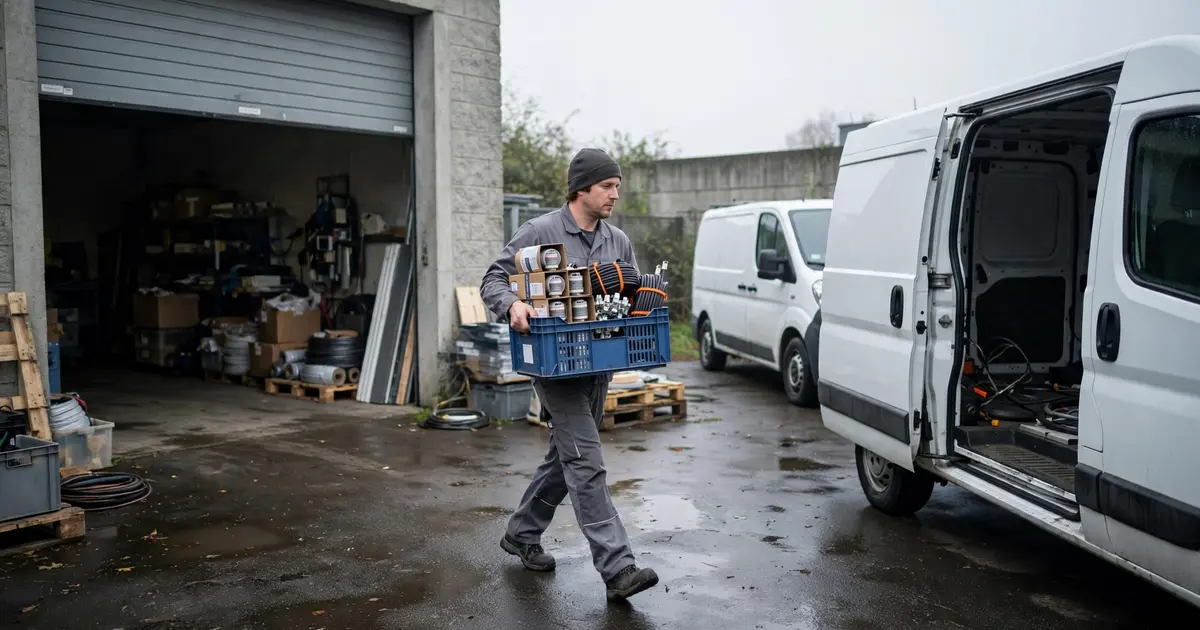
An electrician stands in front of the empty bin location for NYM installation cable, scans the barcode with a smartphone, and taps “Order.” Two days later, the construction site is blocked because the replenishment arrived too late. The technology worked, but the process was too slow.
The problem: In practice, Scan-to-Order often triggers orders only once material is already missing. Lead time stays the same, and that’s exactly what causes delays in day-to-day project work.
Scan-to-Order in 30 seconds (definition + context)
- Definition (1 sentence): Scan-to-Order means: Scan → order (usually via barcode/QR code), i.e., a reactive replenishment process.
- Why it’s popular: Fast, fewer typos, works without “big” IT.
- Why it hits limits: Lead time starts only after the scan and order. In reality, scans often happen only when the item is already missing.
- What “alternative” means in practice: Processes that intervene earlier (e.g., Reorder Point or Min-Max).
- For whom: Businesses that currently reorder by barcode scan or are looking for more efficient alternatives.
- What this article does not cover: Buying advice or comparisons of specific software products.
What “Scan-to-Order” usually means
Scan-to-Order describes a reactive ordering process: an employee scans a barcode or QR code, the system sends the information to an ERP system or online shop, and an order is triggered.
The underlying tech is simple and efficient: barcode scanners reduce errors in data capture and make manual entry of long item numbers unnecessary. Vendors sometimes claim accelerations of “over 200%” for the ordering process. According to HANSA-FLEX, it is an “efficient, error-resistant ordering process” where orders are triggered directly at the point of use.
A concrete example: Sonepar offers a "Scan to Order" app feature that lets trades businesses reorder items directly from the wholesaler by scanning a barcode. The scan triggers an order in the Sonepar online shop. This is a typical example of the reactive approach: the technology works smoothly, but when the order is placed depends entirely on when someone scans. And the app comes from the wholesaler itself, so every order runs through its shop. Anyone who wants to switch suppliers or compare prices needs a trigger outside the vendor’s app.
But: Scan-to-Order is not a software category. It’s a shorthand for reactive replenishment processes. The term comes from vendor-driven contexts, not from neutral, standardized terminology.
Three different meanings of “scan” in a warehouse
“Scan” is technically unambiguous, but process-wise it can mean different things. Depending on the system, scanning triggers different actions:
| Scan function | What happens | Process type | Example |
|---|
| Scan = order | Scan barcode → order is triggered | Reactive | Scan the last cable → reorder from supplier |
| Scan = status signal | Scan barcode → information is recorded | Documenting | Record goods receipt, book to a bin location |
| Scan = consumption report | Scan barcode → withdrawal is reported, system calculates replenishment | Proactive | System detects falling below the reorder point → automatic order |
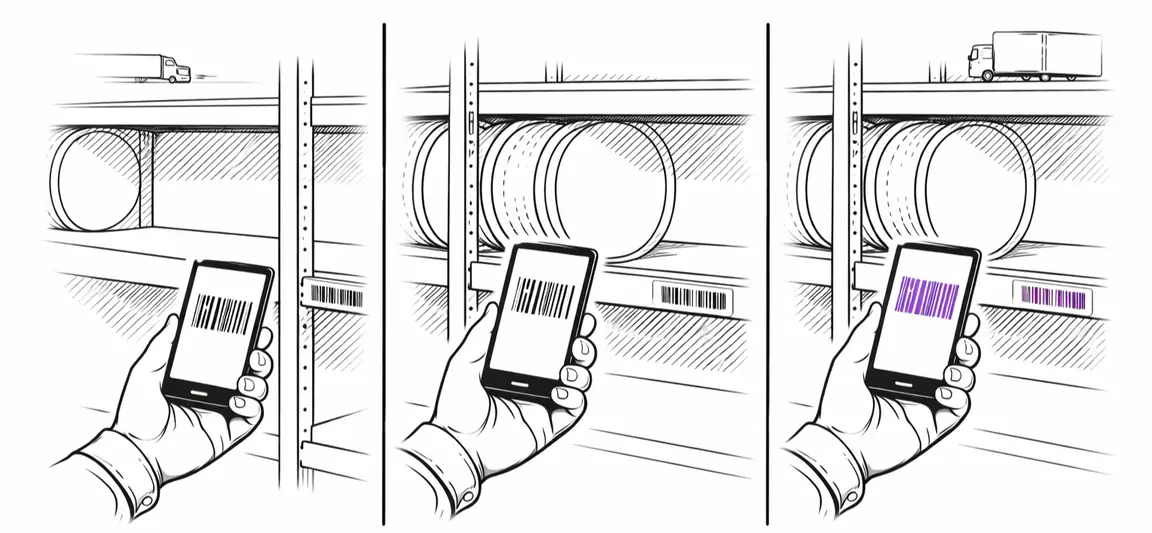
The first two variants are reactive. A person recognizes the need and acts. The third variant is proactive: the system continuously monitors inventory and orders automatically before material runs out. The person’s job is mainly to track consumption.
In the narrow sense, “Scan-to-Order” usually refers only to the first variant: scanning directly triggers an order. That’s efficient, but systemically too late for our electrician who is already out of NYM cable.
Where reactive Scan-to-Order hits its limits
Reactive Scan-to-Order logic works reliably from a technical perspective, but it systematically intervenes too late. Only once the need has already occurred.
The timing problem
The process typically looks like this:
- Material is consumed
- Someone realizes: “That was the last cable”
- Barcode is scanned, order is triggered
- Lead time starts now
So the construction site waits the full lead time (two, three, five days), even though the consumption was predictable.
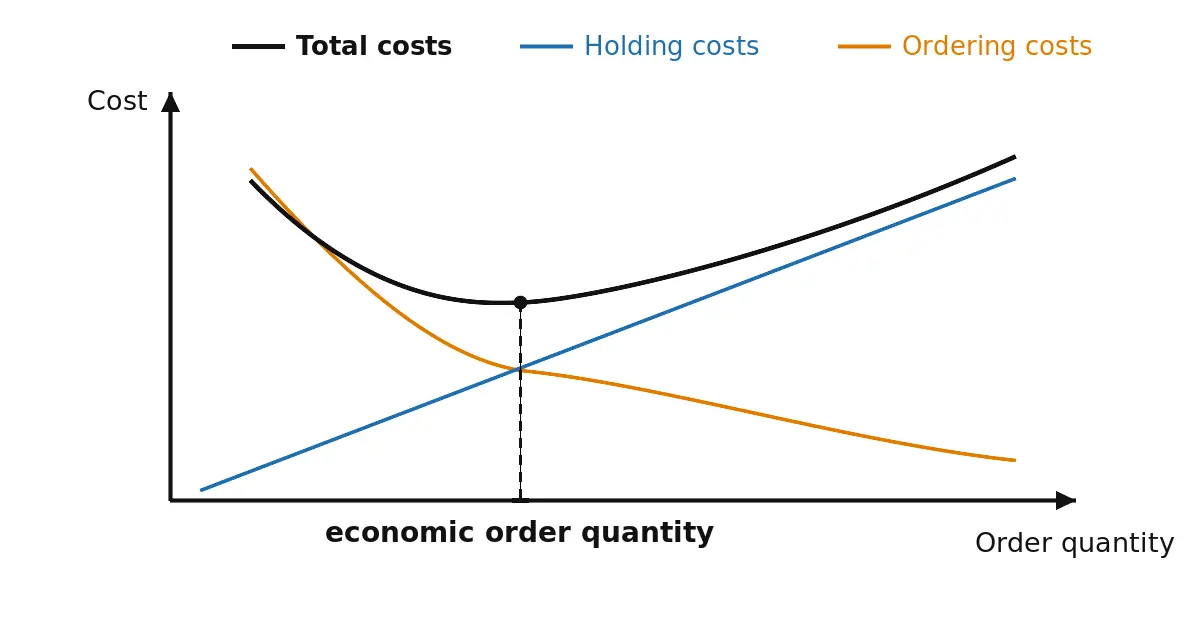
By contrast: proactive replenishment control calculates the reorder point (example definition) and orders automatically before stock runs out. Material arrives before safety stock is breached. Even without software, a two-bin Kanban intervenes earlier: the empty bin is the reorder signal while the second bin covers the lead time.
More on the difference between reactive and proactive ordering strategies: Procurement methods for consumables in crafts
Manual decisions and error-proneness
Scan-to-Order requires:
- Someone to monitor stock
- Someone to scan
- Someone to enter the quantity
- Someone to choose the right ordering moment
That’s error-prone: order too early and inventory rises unnecessarily. Order too late and material is missing.
You can run Scan-to-Order proactively: walk the warehouse daily, keep an eye on stock, order before it runs low. That works, but it costs time every day. A stock-driven system takes over exactly this visual check. The scan stays, but at the moment of withdrawal, and the system watches the reorder point. In sum that’s cheaper, because less time goes into it.
With 500 items and 10 withdrawals a day, scanning at withdrawal costs around twelve minutes a week. A check walk every other day, at five seconds’ glance per item, runs about 40 minutes per walk, roughly two and a half hours a week. Checking only once a week saves time but risks stockouts again, and with them the reactive case.
No demand forecasting
Reactive systems don’t know:
- When will the material become scarce?
- What is typical consumption?
- What lead time does the supplier have?
They only react to a state that has already occurred. For predictable consumption, that’s suboptimal.
Core issue: Reactive Scan-to-Order logic speeds up ordering, but it doesn’t solve the fundamental timing problem.
Conclusion: reactive vs. proactive is a process model decision
Scan-to-Order isn’t a bad solution, but it is systemically reactive. For unpredictable, ad-hoc needs, the process works well. For regular, predictable consumption (cable, screws, small parts), proactive systems intervene earlier and reduce delivery-related delays that can cost thousands of euros a year.
The key takeaway: The term doesn’t describe a market, it describes a process. People searching for “Scan-to-Order alternatives” are usually looking for processes that intervene earlier, not different apps or scanners.
Next step: how proactive procurement works
Which proactive methods exist, when each one fits, and how to set up a functioning system in four weeks: Procurement methods for consumables in crafts.
Included:
- An overview of 9 common methods (Reorder Point, Min-Max, Kanban, VMI, etc.)
- A decision guide by company size and consumption profile
- A practical setup without an IT project
How scan-to-order, Kanban and min-max work together in a structured stockroom is covered in the warehouse organization guide.