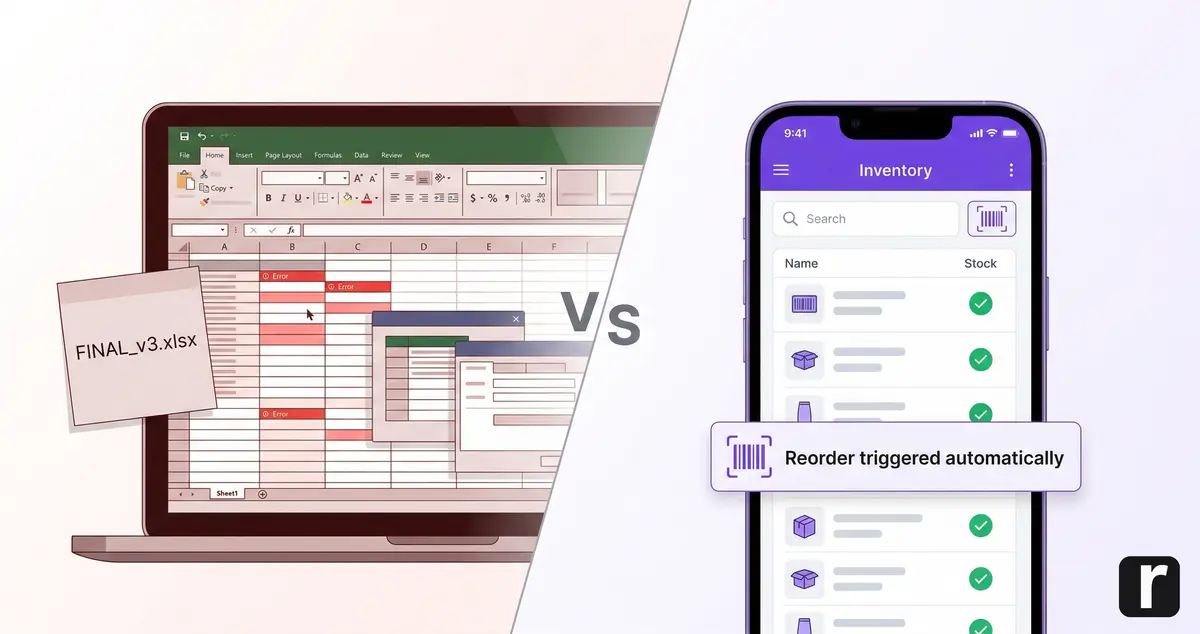
TL;DR: Excel works for inventory management as long as one person manages fewer than 200 items. Beyond that, error rates, time spent, and frustration increase. If you want to replace Excel, a specialized inventory app is the most practical alternative: real-time stock levels, barcode scanning, and automatic alerts without the overhead of an ERP.
Friday afternoon, 3:30 PM. Your technician is on-site and needs 50 meters of 5-core cable. He calls the office. The answer: "Let me check the list." The Excel spreadsheet shows 120 meters remaining. Actual stock in the warehouse: 8 meters. Because a colleague took 110 meters on Tuesday without updating the spreadsheet.
Emergency trip to the supplier. 45-minute drive. Half the afternoon gone. Not an extreme case, but everyday reality in businesses that manage their stock with an Excel template. Once this chaos happens regularly, the question arises: is there a better alternative?
When Excel Is Good Enough for Inventory Management
Excel is not fundamentally the wrong tool. And businesses that stick with it are not foolish: a botched software rollout costs more than a working spreadsheet. Excel survives because it is flexible enough to paper over gaps in processes (and every business has plenty of those). If you run a small business and maintain your stock in an Excel list, it can work under certain conditions.
But three conditions must be met simultaneously:
- One person is solely responsible for the warehouse (no concurrent access needed)
- Fewer than 200 items are managed (overview remains intact)
- No mobile access is needed (stock levels are not checked on-site)
All three met? Then Excel works. A clean Excel template with item number, description, current stock, and minimum quantity is enough to start. Simple bills of materials or inventory lists can be maintained this way too.
But: more employees = more access = more errors. Once a second person reaches into the warehouse or material needs to be checked from the job site, Excel hits a wall. Not gradually, but hard.
Why Excel Fails in Daily Warehouse Operations
Excel is not built for inventory management. It is a spreadsheet application. What is not convenient will not be done. And maintaining an Excel spreadsheet consistently in daily warehouse operations is not convenient. This shows in five places:
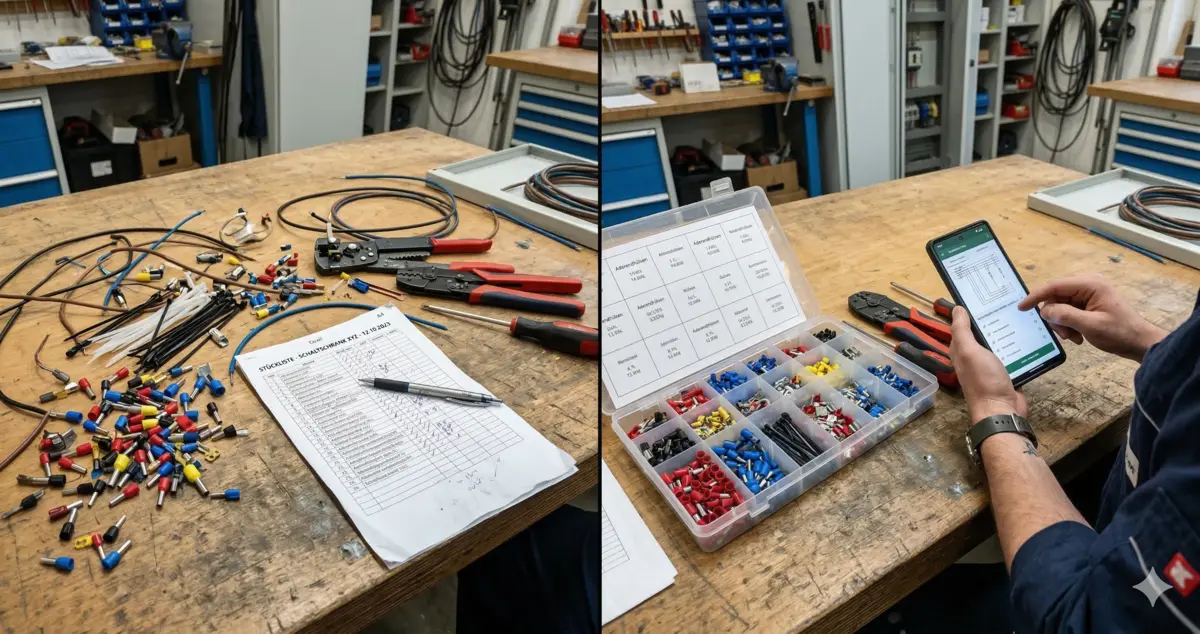
1. Logging stock changes is too cumbersome. Your technician takes material in the morning. To update the stock level, he would need to pull out his phone, open the spreadsheet, find the right row, change the quantity. That does not happen. If you are lucky, he logs it in the evening. In between: a full workday with incorrect stock levels. Incorrect stock levels accumulate until material runs out again.
2. No automatic alerts. Excel shows stock levels. But it does not warn you when one is running low. You find out that screws are missing when your technician is standing in front of an empty shelf. Conditional formatting (red below 20) only helps whoever is looking at the spreadsheet right now. And on the job site, that is nobody.
3. Error rates are scientifically documented. Research by Ray Panko (University of Hawaii) shows: 94% of all audited spreadsheets contain at least one error. The average error rate per formula cell is 5.2% (Panko, 2005).
"In every study we've done, we've found error rates of 88 percent or higher in spreadsheets.", Prof. Ray Panko, University of Hawaii, Spreadsheet Error Research
More formulas = more error sources. In an inventory list with calculations for reorder points, order quantities, and consumption, this adds up quickly.
4. One person leaves, the system stops. Every Excel inventory list is a one-off. One person built it, knows the formulas, knows what each column means. If that person gets sick, quits, or goes on vacation, the rest of the team is staring at a file nobody understands. Onboarding new employees means explaining the quirks of a spreadsheet that was never built for anyone else.
5. No change log. Any cell can be overwritten at any time. No timestamp, no "who changed this?". Your stock level shows 200 units, yesterday it was 350. Who removed 150? When? For which job? Excel does not know. Someone accidentally deletes a row and nobody notices until the next inventory count reveals a discrepancy nobody can explain.
What an Inventory Management App Does Better
A specialized app solves exactly the five problems where Excel fails:
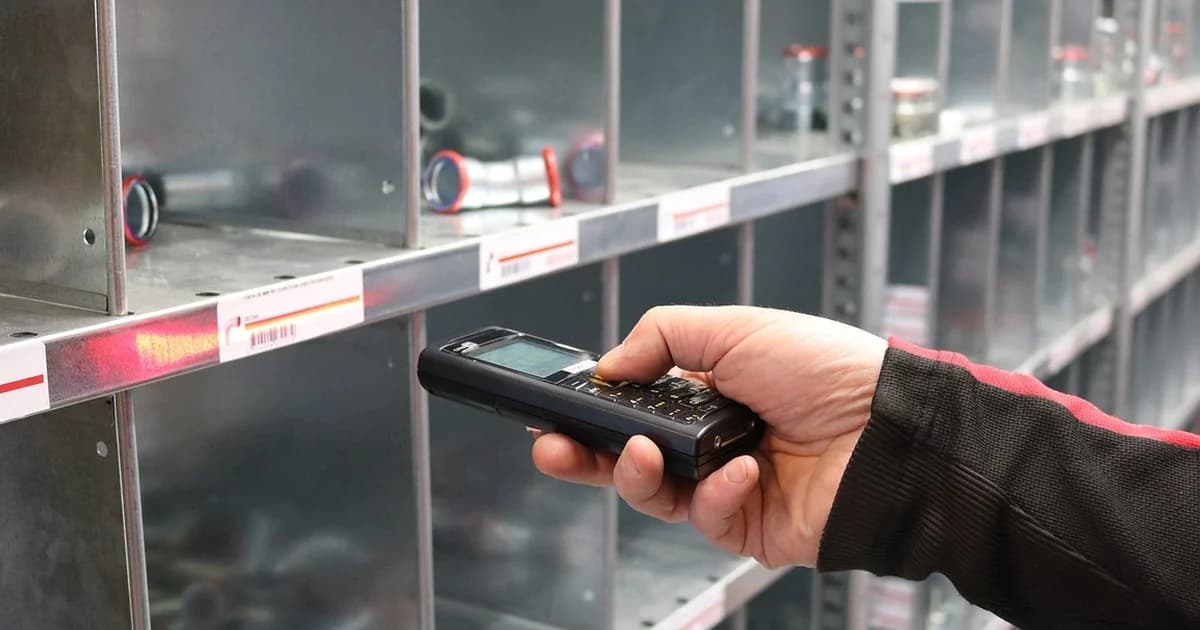
- Scan instead of typing: Scan a barcode or QR code, enter quantity, done. Logging happens where material is removed, not at the desk in the evening.
- Automatic alerts: Item drops below minimum stock = notification. No manual checking of the spreadsheet, no "I thought we still had enough."
- Validated entries: The system knows the item list, checks quantities, and prevents typos. No wrong row, no overwritten formula.
- Anyone can use it: Standardized interface instead of a hand-built spreadsheet. New employees need an introduction, not an Excel course.
- Change log: Every transaction is logged with timestamp and user. Who removed how much and when? One click, not detective work.
According to Bitkom Research, 64% of German trade businesses see "optimized storage and logistics" as a concrete benefit of digital tools (Bitkom Research, 2025). The technology is here. The question is not whether, but when.
Excel vs. App: The Comparison Table
| Criterion | Excel | App |
|---|---|---|
| Real-time stock levels | Only after manual entry | Instant after every transaction |
| Onboarding new employees | Difficult (every spreadsheet is a one-off) | Easy (standardized interface) |
| Barcode / QR scanning | Not possible | Smartphone camera is enough |
| Automatic alerts | Only with complex macros | Standard feature |
| Mobile access | Awkward (small screens) | Native app, optimized for smartphones |
| Change log | Not available (any cell can be overwritten) | Automatic (timestamp + user) |
| Cost | Seemingly free (hidden costs from errors and time) | From approx. 30 to 100 euros/month |
| Onboarding time | Low (familiar tool) | 1 to 2 weeks |
| Error rate | High (5.2% CER per Panko) | Significantly lower through validation |
Excel Alternative: Which Solution Fits Your Business?
Not everyone needs to replace Excel immediately. And not every alternative is a full ERP. What matters is how often material is removed, how many people access stock, and how expensive downtime on-site really is.
| Approach | Good fit if ... | Limits |
|---|---|---|
| Excel + discipline | You're alone or a team of two with infrequent removals | Stays manual, no real-time, no automation |
| Simple list app | You only want a shared "what's missing?" list | No real stock tracking, no minimum levels, no scans |
| Inventory app with scans and alerts | You want mobile scanning and minimum stock visibility | Reordering often still manual |
| ERP system | You need integrated job/accounting/purchasing workflows | Heavy implementation, often too big for consumables alone |
| Automatic reordering | You want the system to proactively reorder, not just alert | Item master data and minimum stock must be maintained cleanly |
If you're unsure, start pragmatically: first scanning and minimum stock, then the step to automatic reordering. For the planning logic behind reorder points, see the reorder point vs. Min-Max comparison. Want to replace Excel directly but not introduce an ERP? The inventory software overview for small businesses shows the fastest path.
What Excel Really Costs You
Excel appears free. The hidden costs tell a different story. Conservative math: if you have just one material shortage per month and it costs two technicians two hours each (driving, waiting, sourcing a replacement), that's four hours of downtime. With a team of five, this often happens multiple times per month.
| Cost type | Excel spreadsheet | Inventory management app |
|---|---|---|
| Software cost | 0 euros | approx. 30 to 100 euros |
| Time spent maintaining stock | High (manual typing, updating spreadsheet) | Minimal (scan barcode, done) |
| Hidden costs (downtime, emergency trips, wrong orders) | approx. 400 euros per month (conservative) | Near 0 euros |
| Total cost per month | approx. 400 euros | approx. 30 to 100 euros |
The calculation is simplified, but the point is clear: the "free" Excel solution is more expensive than a specialized app in most businesses. Want precise numbers? ROI calculator.
Decision Guide: When It's Time to Switch
Not every business needs an app right now. But there are clear thresholds where Excel tips over: more than one person in the warehouse, more than one storage location, more than 20 items with reorder points. Beyond that: effort to maintain manually > effort to switch systems.
Excel is enough if:
- You alone are responsible for the warehouse
- Fewer than 200 items are managed
- Nobody needs mobile access to stock levels
- Inventory discrepancies are not a recurring problem
An app pays off if:
- Two or more people remove material
- Stock levels need to be checked on-site or in the van
- Minimum stock is regularly breached without anyone noticing
- The last inventory count revealed significant discrepancies from the Excel list
- Inventory counting would be much faster with scanning than manual counting and typing
- Excel maintenance costs more than 30 minutes per week
A Bitkom study shows: German trade businesses rate their own digitalization level at a school grade of 3.0 on average (Bitkom Research, 2025). 58% say they do not know what's technically possible. More than half of all businesses don't know what tools exist. Switching from Excel to an app is often the first step that makes an immediate, tangible difference. What this saves in hidden warehouse costs is something most underestimate.
How to Make the Switch
Replacing Excel doesn't have to be a big project. CSV export, import, done. Inventory management without Excel is up and running after less than an hour of data migration in most cases.
Three steps are enough:
- Export items: Save your Excel list as CSV
- Set up the app: Create storage locations, import items, set minimum stock levels
- Brief the team: Show the scan workflow, test together for one week
A detailed walkthrough is in Digitizing Inventory Management in 5 Steps. If you want to compare apps, the comparison of 6 inventory management apps for trades helps. repleno is an inventory management app built specifically for this business size. Learn more.
For a comprehensive overview of all aspects of inventory management in the trades, see the guide to inventory management without ERP.
Conclusion
Excel is a good tool. But not an inventory management system. It works as long as you work alone and your warehouse stays small. Once a second employee reaches into the warehouse, Excel lacks what matters most: real-time data, scanning, automatic alerts.
The decision is not a budget question. Business size and processes determine when Excel is no longer enough. And if you regularly search for material that should be there according to the spreadsheet: you already know the answer.