



New
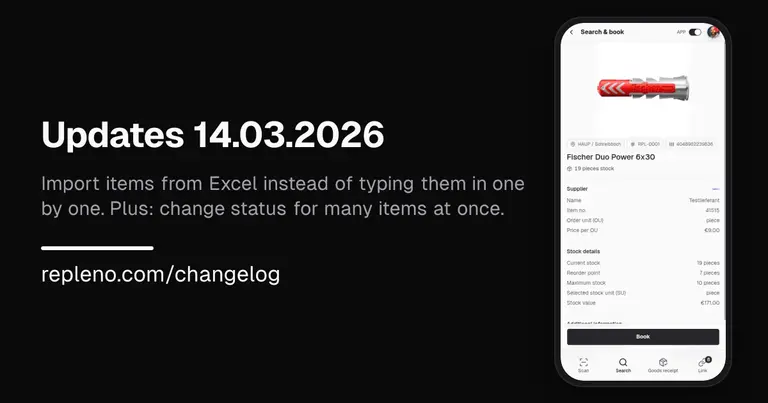
- Import items from Excel: Still managing your items in a spreadsheet? Upload the file and repleno takes everything in at once, no manual typing. And when data changes, just upload the updated file again.
- Activate multiple items at once: Select any number of items and change their status in one step, instead of going one by one.
Improved
- A new item starts active right away: No draft step needed: create an item and it is ready to use immediately.
- Set up replenishment: See at a glance whether you reorder yourself, repleno reminds you, or repleno orders for you.
Early Access Build: 1.155.0