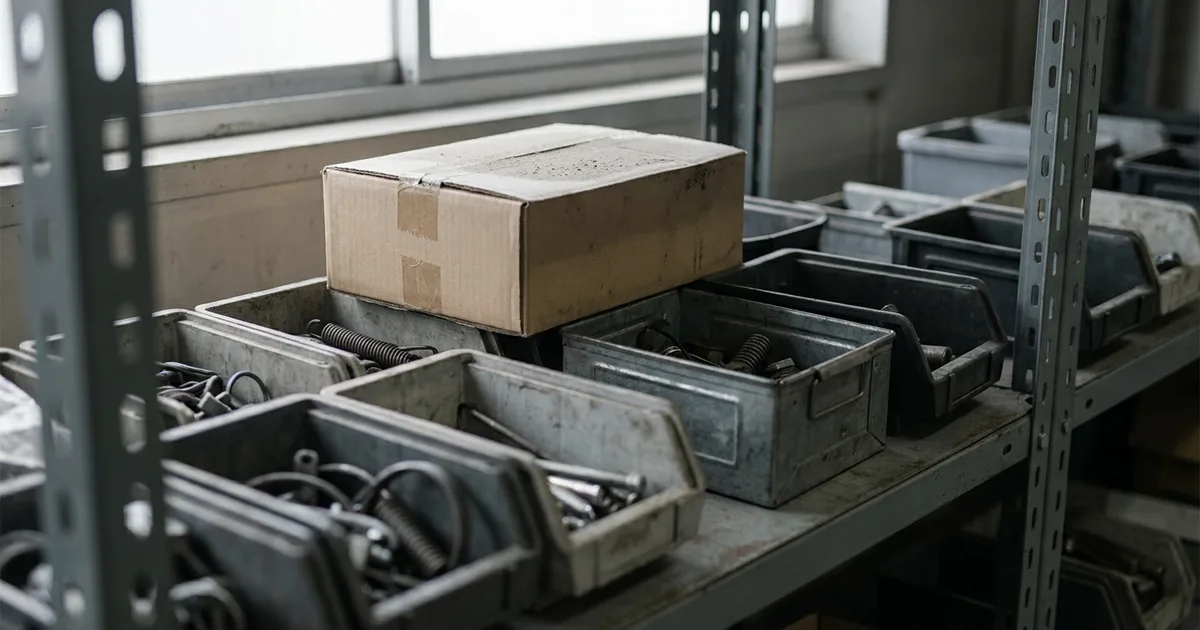
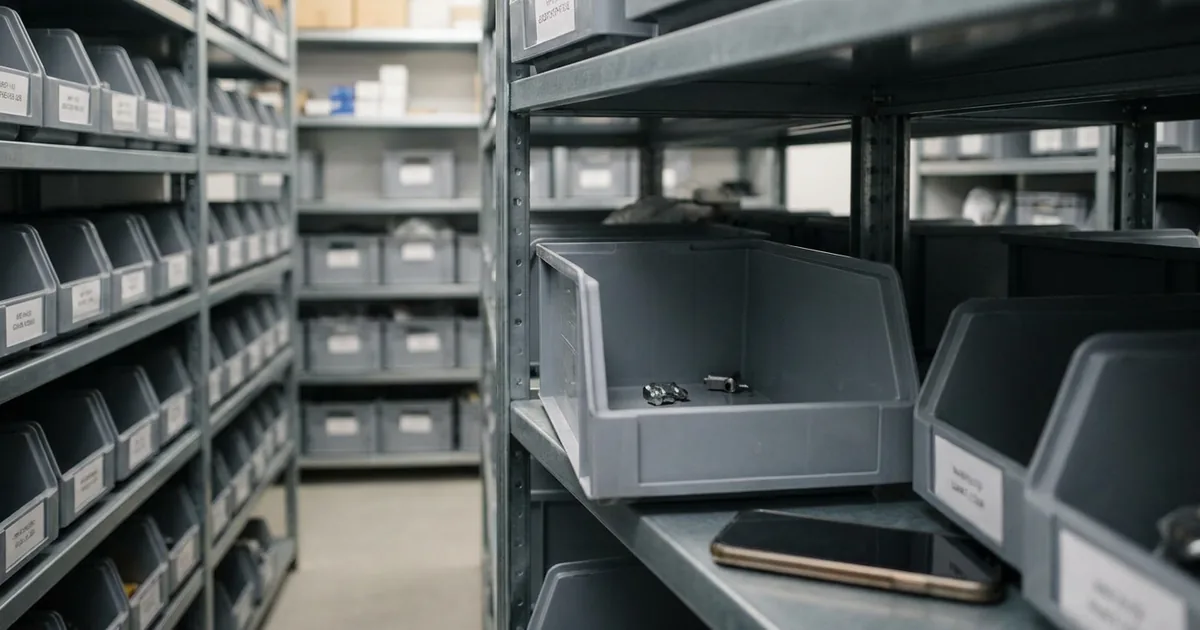
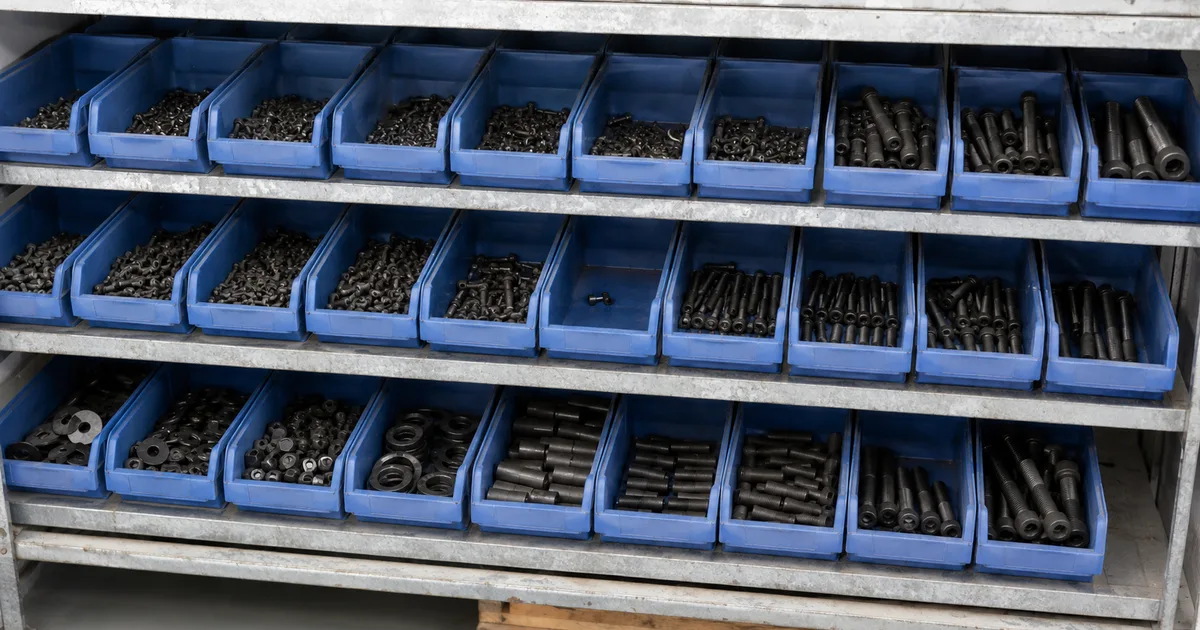
In conversations with master tradesmen I hear about the same widespread routine almost every time: on Friday the boss walks through the stockroom with a clipboard, notes what is running low, sits down at the computer and orders more from the online shops. With a bit of luck the goods are in the workshop by Monday or Tuesday. Even so, material regularly runs short. Why? Because a lot happens in the stockroom between two Fridays and nobody tells the boss about the withdrawals. A customer told me recently: "My guys used up the entire stock of Gira flush-mounted rocker switches for a construction site at the start of the week and said nothing. The gap only surfaced when I did the Friday walk-through. But the switch was already needed on the Thursday." Well. Tough luck.
This is exactly where automatic reordering comes in. The trigger is the withdrawal itself: as soon as someone books the switches out of stock, the reorder goes out the same day, instead of waiting for the Friday walk-through. The one condition: stock management. Withdrawals have to be booked so the figure stays right. By scan or a quick entry, either way. There is no way around it. Because when material slips past the system, even the best rule is blind.
What does it actually mean to reorder your stock automatically?
So the boss no longer has to do his Friday walk-through, software monitors the stock of every item continuously and places the orders autonomously as soon as a predefined stock level is reached. The rule is stored once, after that the system applies it every day without checking again.
Without a system, someone walks through the stockroom, counts or estimates the stock, and then decides whether and what to order. That works as long as few items sit in the stockroom and nobody is off sick, on holiday or under pressure. As the number of items grows, the stored rule makes the difference: every item is checked, regardless of who currently has time for warehouse matters.
That stock level is the reorder point. It sits high enough that what is left on the shelf bridges the lead time. Below it sits the minimum stock level as a buffer for when the supplier takes longer than expected.
How does automatic reordering work step by step?
The process is essentially the same everywhere, whether a simple inventory management software or a full ERP system sits behind it.
- Reorder point reached. An item's stock level drops to or below the stored reorder point. The system detects this at the next stock reconciliation.
- Order created. The system creates the order with the item, quantity and stored default supplier. The quantity comes, depending on the setting, from a fixed order quantity, topping up to a target level, or the next full pack size, mostly based on the most recently used terms. Under full automation the order goes straight on; optionally it waits here as a proposal for a quick approval, for example for expensive positions or a new supplier.
- Sent to the supplier. The order goes out, by email, EDI interface or supplier portal, depending on what is connected.
- Confirmation. The supplier confirms quantity, price and delivery date. If that deviates, this step needs a manual look again.
- Goods receipt. The goods arrive, are checked against the order and booked into the system. The stock level rises again, the loop closes.
The real automation gain sits between step 1 and step 3. In the manual version, that is where the most time is lost, and where people are most likely to forget to order at all = missing material is the result.
How far the system goes on its own at the approval stage can usually be set per item. Three variants are common:
- The software only flags that the reorder point is reached and leaves the rest to purchasing.
- Or it puts forward a ready order proposal that is confirmed with one click.
- Or it sends the order straight to the default supplier with no intermediate step. Cheap consumables usually run fully automatically, while expensive or rarely ordered positions stay at the proposal-with-approval stage.
Two points in the process still need a human eye.
- First, confirmation: if the supplier deviates from the proposal on price, quantity or date, for example because an item is temporarily unavailable, someone has to decide whether the order is accepted as is, adjusted or placed with an alternative supplier. As a rule you can skip this, because cheap standard items such as standard fasteners should be available off the shelf.
- Second, goods receipt on partial deliveries: if only part of the ordered quantity arrives, the order stays open until the rest is delivered or the remaining quantity is deliberately cancelled.
Both are points where pure automation without control leads to wrong stock figures.
Rule-based or AI-driven: which level of automation fits?
Two levels have established themselves in practice, and they do not rule each other out.
- Rule-based (threshold): the reorder point is set as a fixed value, usually calculated from daily usage, lead time and safety buffer. If the stock drops below it, the rule kicks in, regardless of season, trend or special promotion. Some systems store this threshold as a min/max value: the min value triggers the order, the max value defines the target level to top up to. This covers the majority of cases in small and mid-sized businesses: stable items, manageable ranges, usage patterns that barely change over weeks. The advantage: you need no business degree, because it is simple and easy to understand.
- Forecast-based: larger businesses with strongly fluctuating demand, multiple locations or seasonal peaks additionally use forecasting models. These factor in historical usage data, trends and sometimes external factors, and adjust the reorder point continuously instead of keeping it fixed. That is more compute-intensive, needs more data history and only pays off above a certain number of items and locations. Small businesses should not over-engineer here.
In my view the rule-based level is entirely enough for most small businesses, because usage and lead times rarely shift so much that a forecast brings a noticeable advantage. Where usage fluctuates heavily or many locations are supplied, the effort for forecasting pays off instead.
But there are also businesses running a mixed setup in practice: most of the range runs rule-based, while individual project items, seasonal items or promotional goods are taken out of the automation and planned separately. That keeps the effort for the exceptions small, while the rest of the stockroom runs reliably on its own.
What is the difference between an order and a reorder?
An order is the initial procurement: an item is bought for the first time, usually because a new project, a new customer or a new product calls for it. There is no stock yet, no usage history and no stored reorder point.
A reorder assumes the item is already carried. It has a usage history, a storage location and ideally a reorder point that defines exactly when the next order is due.
When a business adds a new screw size to its range for a project, that is the order. Once the stock of that screw then keeps dropping to or below the reorder point and is reordered automatically, that is the reorder.
Automation kicks in at this second situation: it only applies when an item is already carried in the system and the thresholds are stored. For the initial procurement of a new item, you still need a deliberate decision on how much quantity, which supplier and at what price to buy.
Automatic stock replenishment or automatic reordering: where is the difference?
The term "automatic stock replenishment" is used in a different context. It often means the physical automation in a high-bay warehouse, storage and retrieval machines, automated guided vehicles or automated picking that move goods inside a warehouse. That is a topic for logistics centres with the corresponding warehouse technology.
Automatic reordering, as meant in this article, concerns the upstream question: when and how is new stock ordered from the supplier at all? That is a software-triggered process on the stock figure, regardless of whether the warehouse consists of a single shelf or several halls.
Who is automatic reordering worth it for?
Automatic reordering is worth it for any business that consumes items repeatedly and currently relies on shouting across the room, gut feeling or Excel lists.
That applies above all to small businesses without a dedicated purchasing department: a simple reorder-point trigger per item is usually enough, because the range stays manageable and usage and lead times rarely change much. It pays off especially with C-parts and consumables, screws, small parts, consumable goods, because the value per item is low, the effort for manual reordering high, and there are few people left in the business to take care of it. Often it is the boss placing the orders, the most expensive person in the shop. That really does not have to be the case.
At the other end of the scale are manufacturers and distributors with their own purchasing department, kanban stores and a connected ERP system. There, the procurement strategy still drives the decisions and automation carries them out: multiple suppliers, framework contracts, quantity tiers and internal approval processes call for software that maps this complexity.
Automation makes less sense when items are procured only once or per project, when suppliers change constantly, or when the stock data itself is wrong. An automatic rule built on wrong figures reliably orders past actual demand. Clean stock is the precondition of automation.
Side by side:
| Situation in the business | Automatic reordering |
|---|
| Recurring usage, ordering runs on shouting across the room or Excel | worth it, biggest time gain |
| C-parts and consumables, low value per item | worth it, because manual effort exceeds the value of the goods |
| No dedicated purchasing, the boss orders on the side | worth it, takes load off the most expensive person in the shop |
| Own purchasing department, ERP, framework contracts | worth it, but it executes the existing procurement strategy |
| Items procured only once or per project | hardly worth it, the usage history is missing |
| Suppliers change constantly | hardly worth it, the default supplier carries the rule |
| Stock figures do not match the shelf | get stock clean first, otherwise the rule orders wrong |
Before the first rule goes live, a quick reality check pays off:
- Do the stock figures in the system match the actual shelf?
- Is a default supplier with current terms stored for every relevant item?
- And is the reorder point already calculated for the items with the highest usage?
Wherever one of these three questions is answered with no, automation first brings wrong orders instead of fewer ones. That is why most businesses start with the ten to twenty items that get reordered most often, test the order proposals there for a few weeks with manual approval, and only then extend the automation to the rest of the range.
How do I spot software that can actually reorder automatically?
Almost every inventory tool now advertises automation. Whether the process described in this article really runs end to end comes down to six points:
- Reorder point storable per item. Without an item-level threshold there is no trigger, only a stock display.
- Withdrawals bookable on mobile. By scan or a quick entry at the shelf. If withdrawals are only entered at the computer in the evening, the trigger lags behind actual stock.
- Default supplier per item with current terms. Otherwise a demand appears, but no finished order.
- Approval level configurable. Notification, order proposal or direct send, ideally different per item: cheap consumables fully automatic, expensive positions with approval.
- Partial deliveries and open remaining quantities supported. If only half arrives, the order has to stay open, otherwise stock figures drift apart.
- Works without an ERP. The process described needs current stock data and a reorder point. If you do not run an ERP, you do not need one for this.
Put the six points to a vendor as questions and it becomes clear quickly whether they mean a stock alert or an actual order.
How much does automatic reordering cost per month?
For small businesses, systems with automatic reordering start at around 50 euros a month. It moves into three figures as the range grows and several locations come in, and free entry tiers exist for very small inventories. Well above that sit ERP packages bringing purchasing, accounting and production along, so scope that reordering alone does not need.
What gets counted differs: some vendors charge per user, others by the number of items carried, some combine both. For a business where ten colleagues take out material but only three hundred items are carried, that decides the tariff and how the cost scales, at the same feature scope.
On our own behalf: in our repleno this exact process is set up as automatic reordering: from the reorder point through the order proposal to goods receipt, with or without manual approval per order. Have a look and start for free.