As a project manager for e-procurement, focused on C-parts management, I digitized how clients procure their recurring supplies. The trigger was the same every time: missing parts and shortages in production.
A missing part rarely announces itself. Stock drops over days or weeks, and nobody looks, because nobody is assigned to it, nobody feels responsible, or someone has to manage it on the side. Monitoring inventory means: one person sees in time which item is running low, and reorders.
Which methods are there to monitor inventory?
Visual check or two-bin kanban with cards
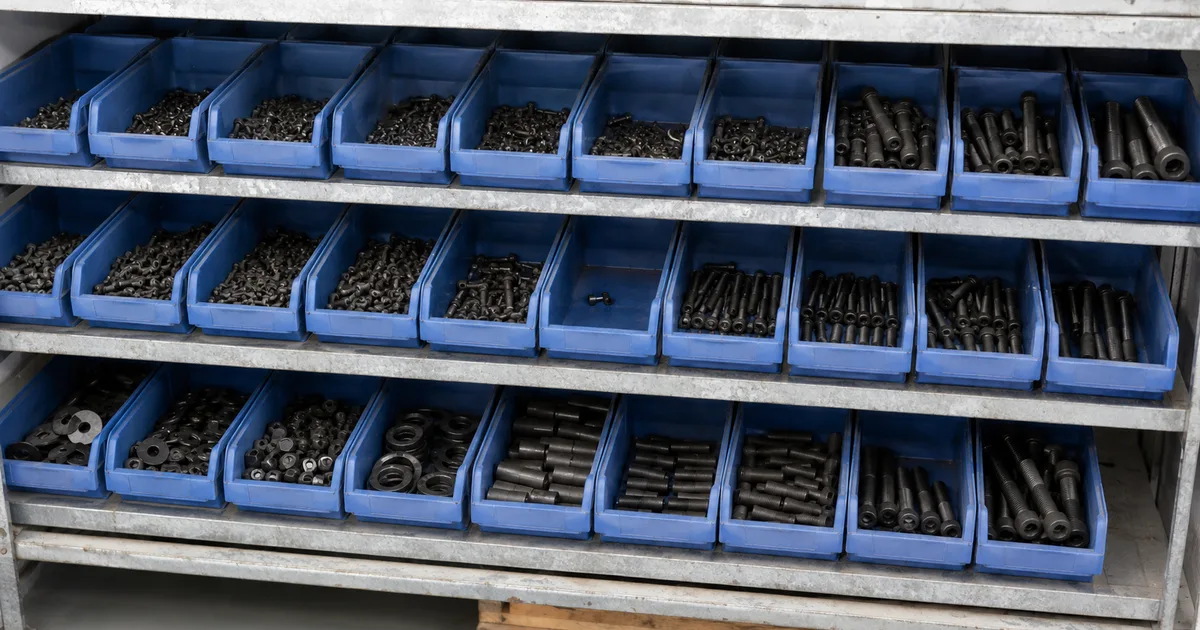
Visual check: Someone walks through the stockroom regularly and looks at which compartments are emptying.
Two-bin kanban with cards: Every item sits in two bins, each holding a card. When a bin is empty, its card goes on the kanban board. Every card on the board gets reordered. The second bin lasts until the goods arrive.
Excel with a traffic light
A sheet with current stock and a threshold per item, plus conditional formatting that turns low items red. It costs nothing but the upkeep. The sheet only shows what someone entered, though.
Software with low-stock alerts
With inventory software you book every withdrawal where it happens, by scan or by hand. The software then checks by itself whether an item has dropped below its threshold. You set the threshold per item and storage location. When stock reaches or falls below it, the alert with stock level and shortfall arrives in the app and by email for the person who orders for that location. Instead of going through the list regularly, you only act when an alert comes in.
Which route fits your business?
| Your situation | Method | Why | Where it breaks |
|---|
| One storage location, regularly consumed items | Visual check or two-bin kanban | The empty compartment or bin is the signal | The card never reaches the board, or the second bin runs out before delivery |
| One person enters all withdrawals | Excel traffic light | Stock and reorder point sit side by side | A withdrawal is not entered, or nobody opens the file |
| Several people or storage locations | Software with low-stock alerts | Everyone books into the same stock, the software checks by itself | Withdrawals are not booked, or booked to the wrong location |
What each method costs:
- Visual check: regular rounds through the stockroom.
- Two-bin kanban: a second bin per item and the stock in it.
- Excel: no licence, but working time. Withdrawals get entered, often copied from a paper note first, and someone has to go through the list regularly.
- Software: a monthly fee and the setup. Withdrawals are booked on the spot, so copying from paper notes goes away.
How do you build a stock alert in Excel?
For one person who enters all withdrawals, an Excel traffic light is enough. Here is how to build it:
- Create a sheet with the columns Item, Location, Current stock and Reorder point.
- Select the cells with the current stock and choose Home > Conditional Formatting > New Rule > Use a formula to determine which cells to format. With current stock in column C and the reorder point in column D, the formula for the first data row is
=C2<=D2. Pick a red fill as the format. - Put a filter on the header row and filter current stock by colour. What remains are the red rows, and that is your order list.
- Set a fixed check date and a person who keeps it. The gap costs lead time: if you check once a week, an item can sit below its threshold for up to seven days before anyone notices. Add the consumption of those days to the threshold.
That gives you a traffic light. Conditional formatting sends no message, and only whoever opens the file sees the red. Anyone who wants the sheet to trigger an email needs an automation such as Power Automate, and the file has to live in OneDrive for Business or SharePoint for that (Microsoft Learn). For a stock alert, that is the decisive one among the limits of Excel in the stockroom.
Why does a stock alert only work when withdrawals are booked?
Every alert, Excel traffic light or software, compares the booked stock with the threshold. What actually sits on the shelf, it cannot see. If a withdrawal is not booked, the system shows more than is there, and the alert comes too late or not at all.
Nicole DeHoratius and Ananth Raman measured how often the two drift apart at a retailer: of nearly 370,000 inventory records from 37 stores, 65 % did not match the shelf (Management Science, 2008). The figure does not carry over to your stockroom. It does show that booked stock and shelf drift apart even where inventory management is part of daily business.
Typical causes in a small stockroom: someone takes something and does not book it, because the computer is in the office. Something breaks or goes missing, and a receipt gets booked twice or not at all. Two habits keep the stock honest:
- Book where you take. Anyone who has to walk to the office to book puts it off. On a phone right at the shelf, it is done before the item is in their pocket.
- Count a few items regularly. Instead of counting everything once a year, take a handful of items each week and correct the stock. That way a discrepancy shows up before it swallows an alert.
One more distinction belongs here: physical stock says what is on the shelf. Available stock subtracts what is already reserved for jobs. Whether a part becomes a stockout is decided by the available stock.
Who gets the alert?
An alert only helps if it is clear who it goes to.
- One person per storage location. If the alert goes to a whole team or a shared inbox, everyone relies on someone else to order.
- A stand-in for holidays and sick leave. Otherwise the alert has no recipient for two weeks.
At what stock level should the alert come?
The alert has to come while the remaining stock still covers the lead time, plus a buffer for delays. If it comes later, the stockout is already on its way. This threshold is the reorder point, and you calculate the reorder point from daily consumption, lead time and safety stock. If you use 3 packs a day with a 4-day lead time and keep 5 as a buffer, the alert comes at 3 × 4 + 5 = 17 packs. There are then still goods on the shelf for the lead time.
How many alerts are too many?
Every alert that requires no action makes the next one quieter. Anyone who gets a long list every morning in which most items will last for weeks learns to skim it. Sooner or later the part that runs out tomorrow gets lost in it too.
Three levers help:
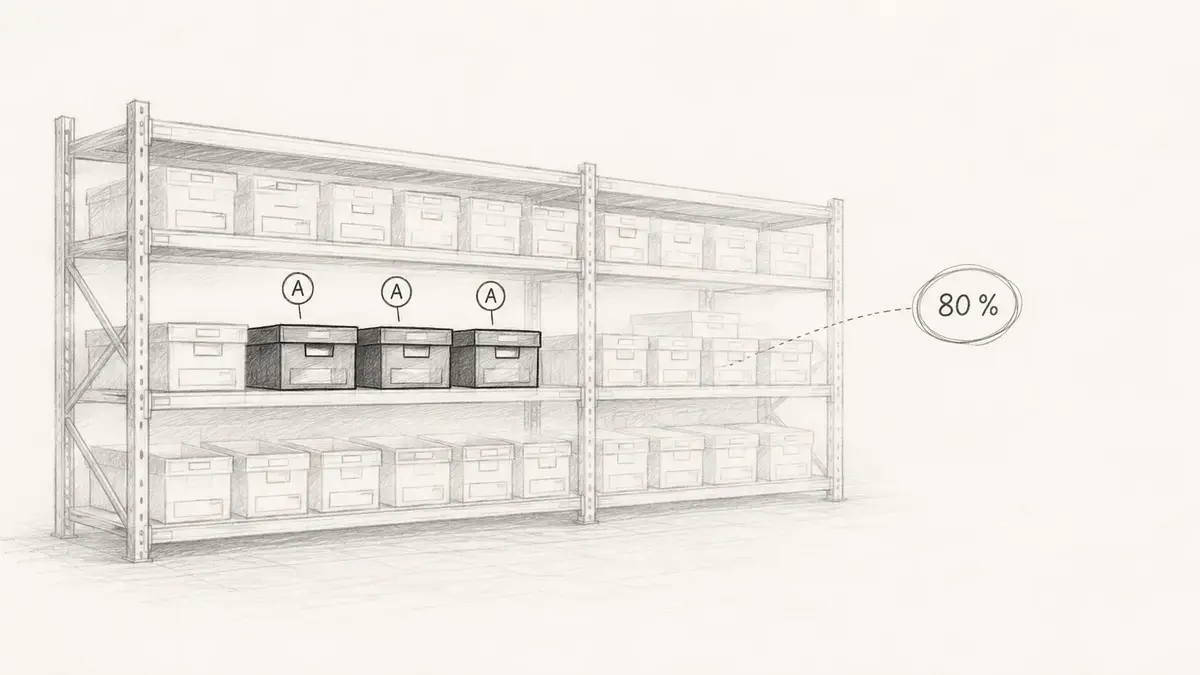
- Only monitor items whose absence costs something. An ABC analysis shows which ones, plus anything that stops a job, even if it is cheap. The bin can handle the rest.
- Bundle. One list a day reads differently from one message per item.
- Adjust the threshold when an alert was unfounded. If the same alert comes every week and you still do not order, the threshold is wrong. Lower it or take the item out of monitoring. Ignoring an alert without changing the threshold only trains you to ignore.
Where do you start?
Pick the items where a stockout costs the most. Set a threshold for each and decide who gets the alert. That works with a bin, a sheet or software. If several people take material or it sits in several locations, use software that tells you which items are running low per location before the compartment is empty.